
Media Library
More options
 Discuss with Marie
 Uploading Images and Videos
Uploading files from your computer to the media library, upload progress, and what to do if the upload fails.
You can upload images and videos to the library directly on the Media Library page, or right when inserting them into a widget (see Image widget). In both cases, the file will end up in your school’s library.
Open the upload area
On the Media Library page, click Upload at the top right. Above the thumbnails, an area will appear saying “Drag files here or click to select” with allowed formats. Clicking Upload again will hide this area.
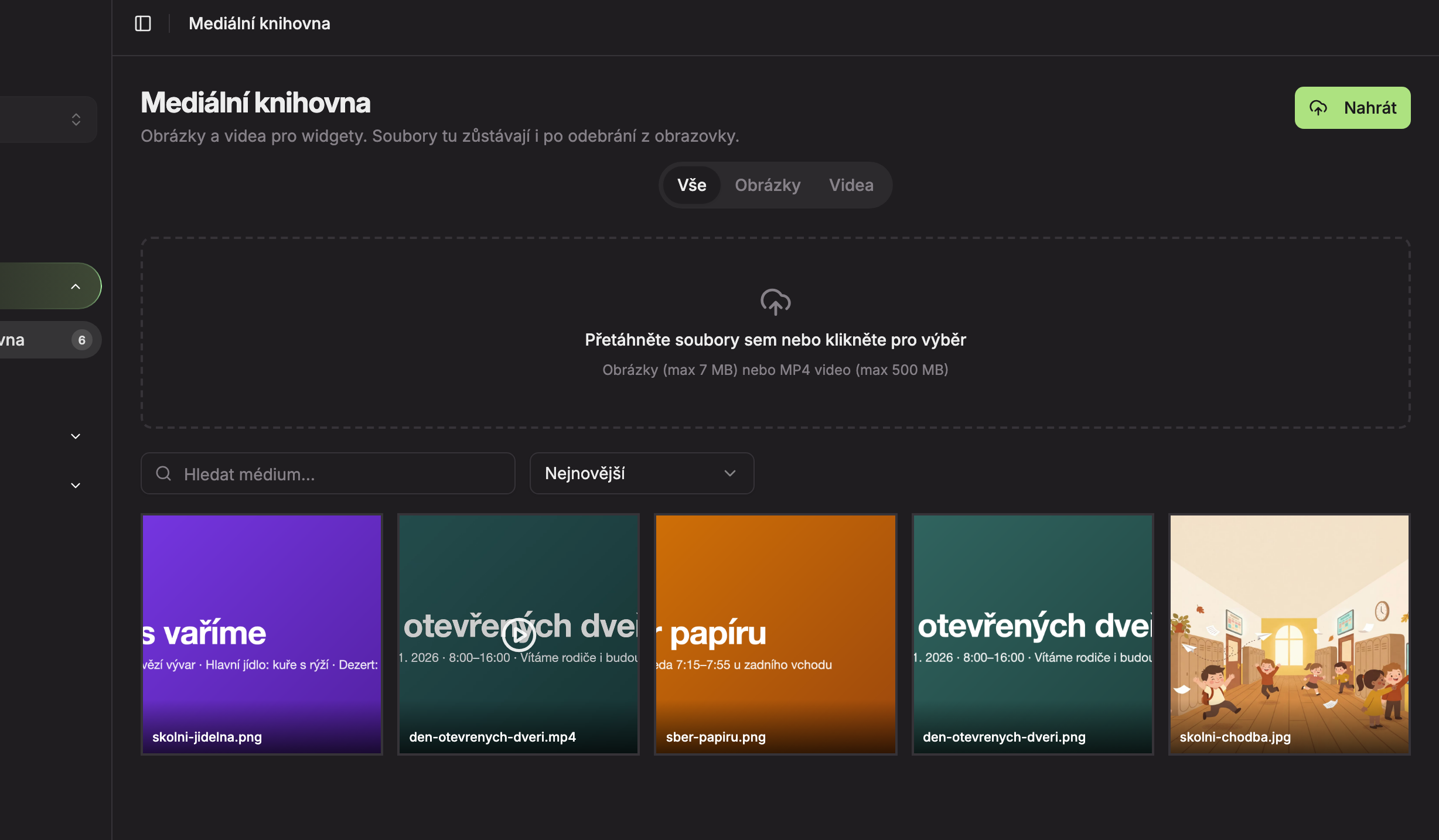
Select files
Drag files from your computer onto the area, or click the area to select files. You can upload multiple files at once, including images and videos together.
Wait for completion
A progress window will appear at the bottom right (1). Each file shows its name and progress bar, with “Uploading N…” at the top. When finished, a green checkmark appears next to the file, “Upload complete” is shown at the top, and a brief “Uploaded” message appears at the bottom left. The new file will appear first in the library (2).
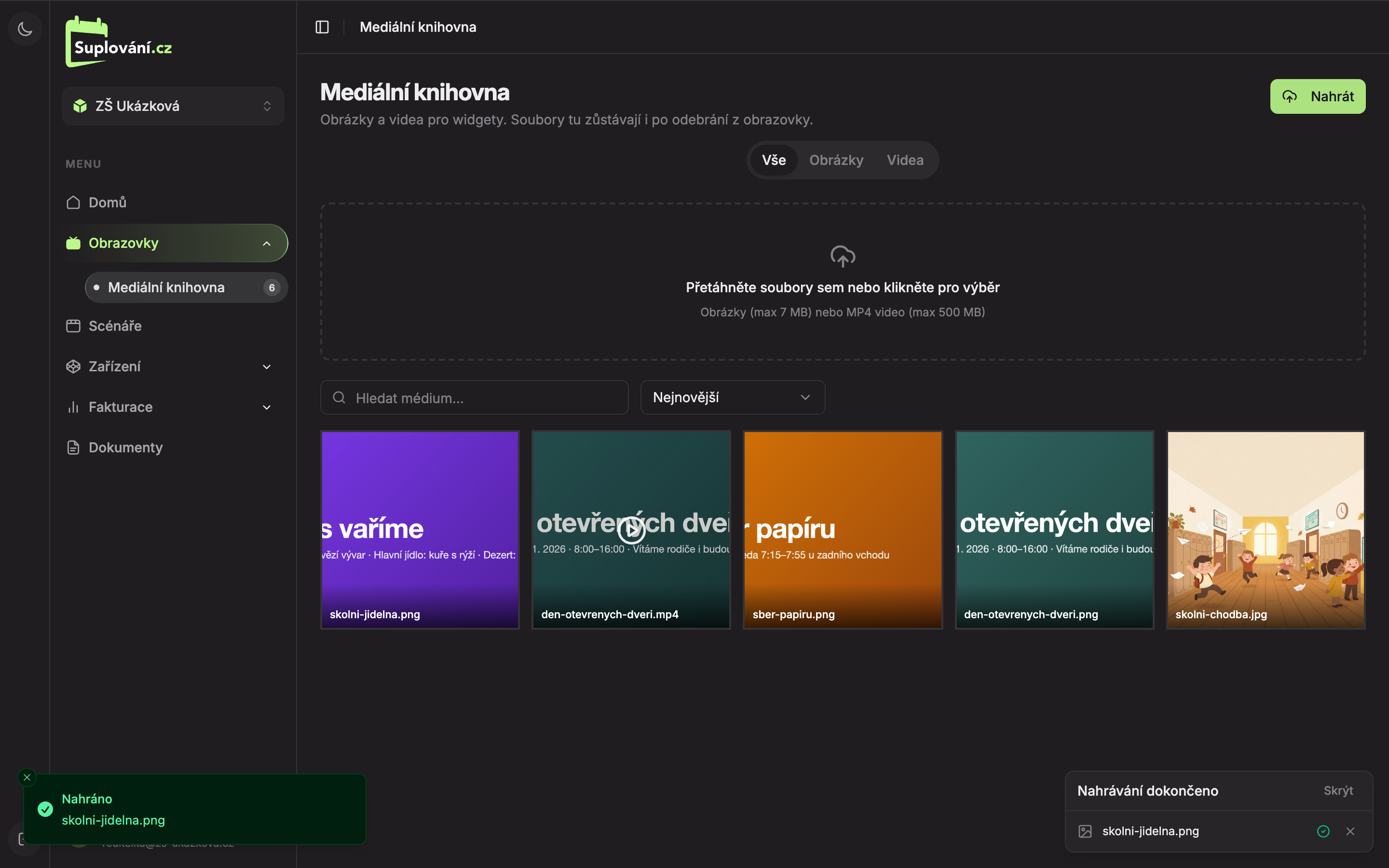
The file will be named in the library according to the original file name on your computer, for example skolni-jidelna.png. You can rename it later in the file details.
You can close the progress window by clicking Hide once everything is uploaded. You can remove individual files from the overview with the Remove from overview cross. This does not delete the file from the library.
When the upload fails
A red icon with an error description will appear next to the file in the window, and a message “Upload failed” with the file name will show at the bottom left.
| Message | What it means and what to do |
|---|---|
| The image is too large. Maximum is 7 MB. | Reduce the image size or save it with higher compression and upload again. |
| The video is too large. Maximum is 500 MB. | Shorten the video or save it at a lower quality. |
| Unsupported format. Allowed formats are PNG, JPG, JPEG, BMP, and SVG. | Save the image in one of these formats. |
| Unsupported format. Only MP4 is allowed. | Convert the video to MP4 format. |
| The file is too large; the server did not accept it. | The file exceeds the server limit. Reduce its size. |
| Login expired. Please log in again. | Log out, log back in, and upload the file again. |
| Upload failed (network error). | Internet outage. Check your connection and upload the file again. |
Updated