
Media Library
More options
 Discuss with Marie
 Deleting a file
How to permanently delete a file from the media library and what happens to widgets where it is used.
You delete a file you no longer need in its detail view. Deletion is irreversible.
Open the file detail
In the library, click on the file preview.
Click the trash icon
At the bottom right of the window, click the trash icon Delete from library.
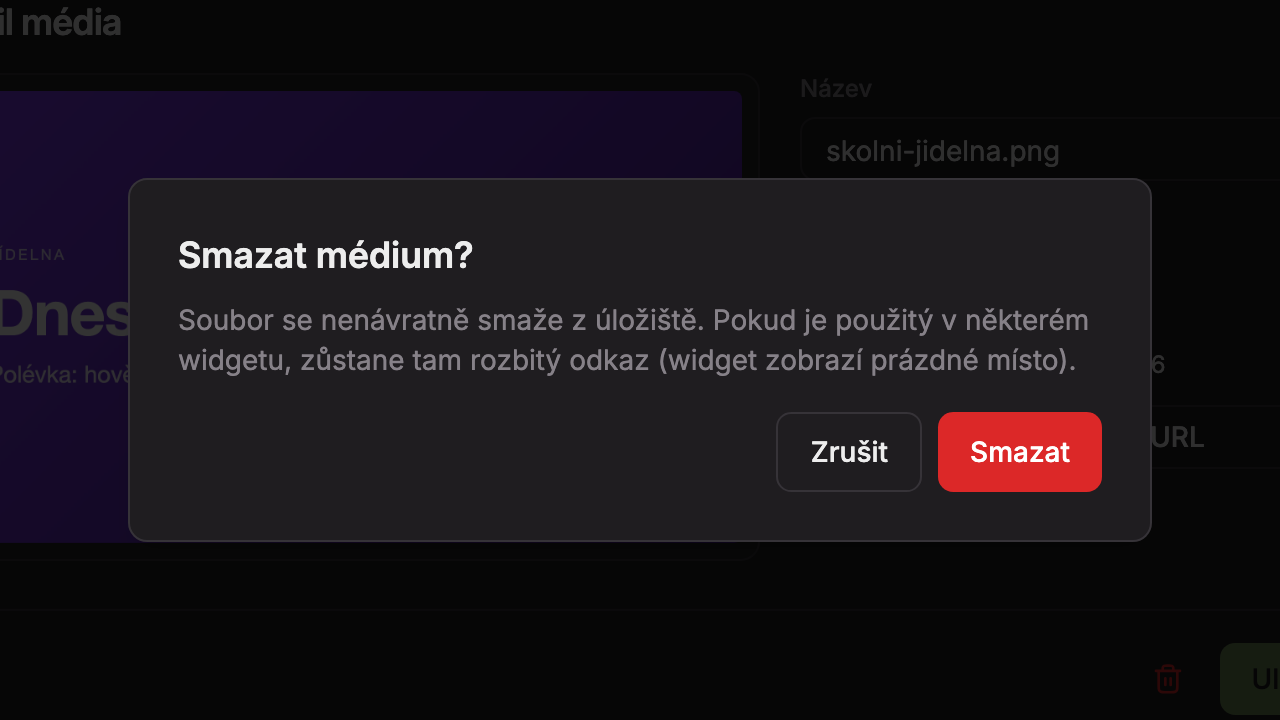
Confirm deletion
A prompt Delete media? will appear. Click Delete. After deletion, a message “Deleted” will appear and the file will disappear from the library. Click Cancel to return without deleting.
If you only want to remove the file from the screen, do not delete it from the library. In the widget, click Remove image or Remove video (see Image widget). The file will remain in the library for future use.
Updated