
Screen Installation
More options
 Discuss with Marie
 Installation process
What happens on the installation day: wall inspection, hanging the screen, cables, device pairing, cleaning up, and what follows afterwards.
On the installation day, we take care of everything ourselves. From you, we only need prepared sockets (see What to prepare before installation) and someone to let us into the school.
On site
-
We review the locations. We coordinate the exact placement of the screens with the school janitor or technician.
-
We check the wall. Before drilling, we use a detector to verify that there are no cables or pipes inside the wall.
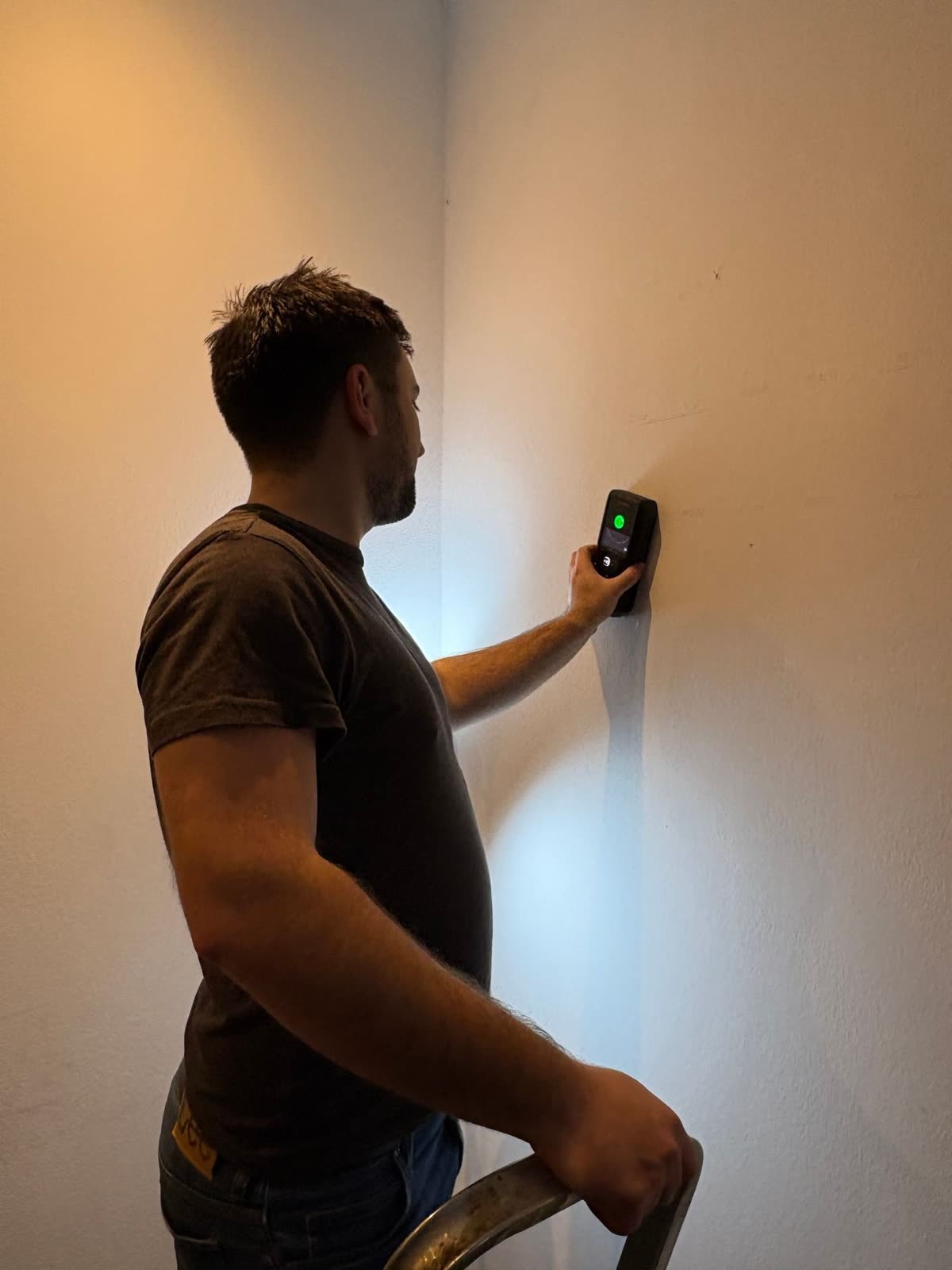
Before we start drilling, we check the wall with a detector -
We hang the screen. We measure the spot with a laser, attach the bracket, and mount the TV on it. The player is hidden behind the TV.
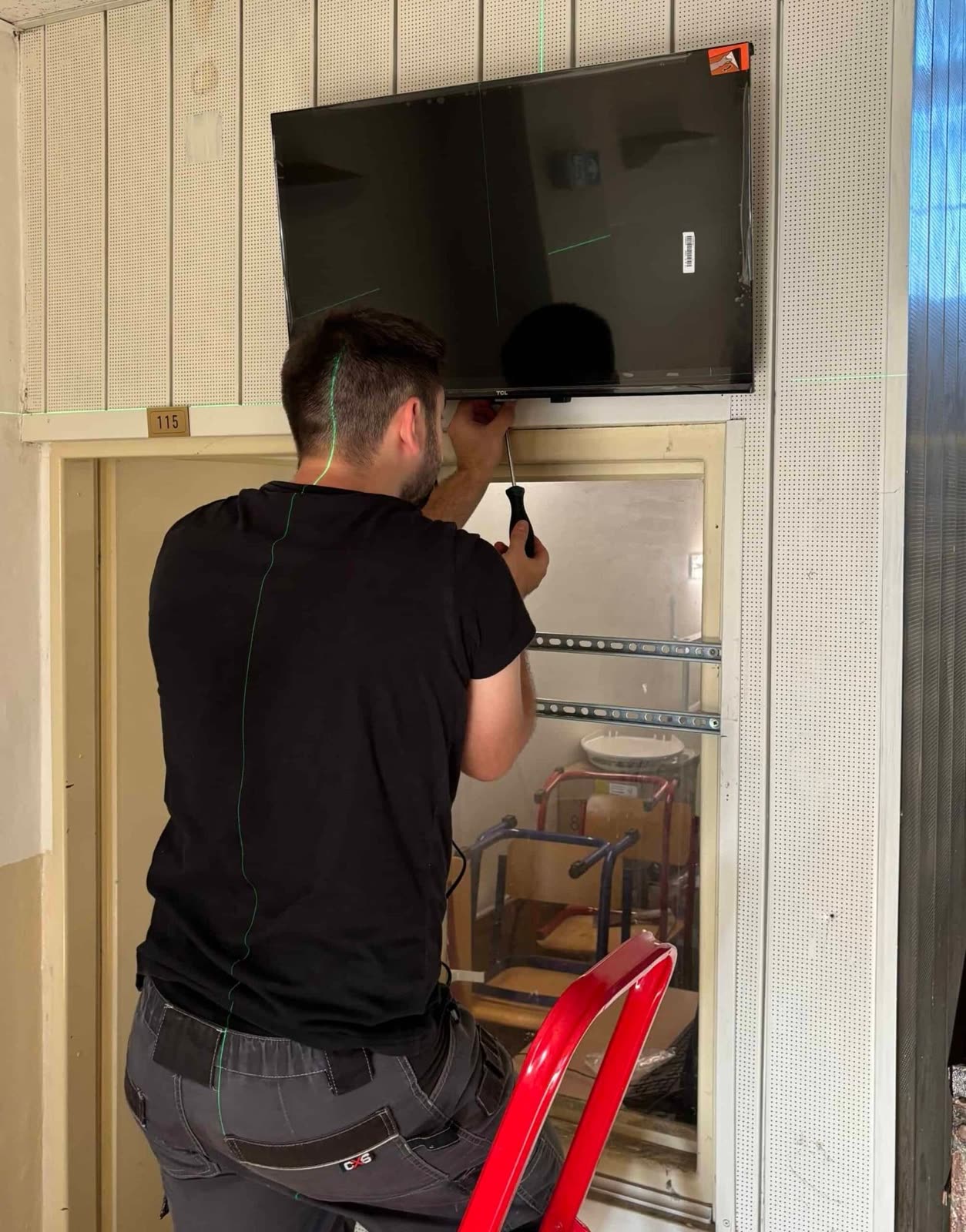
Screen above the door, aligned precisely with the laser 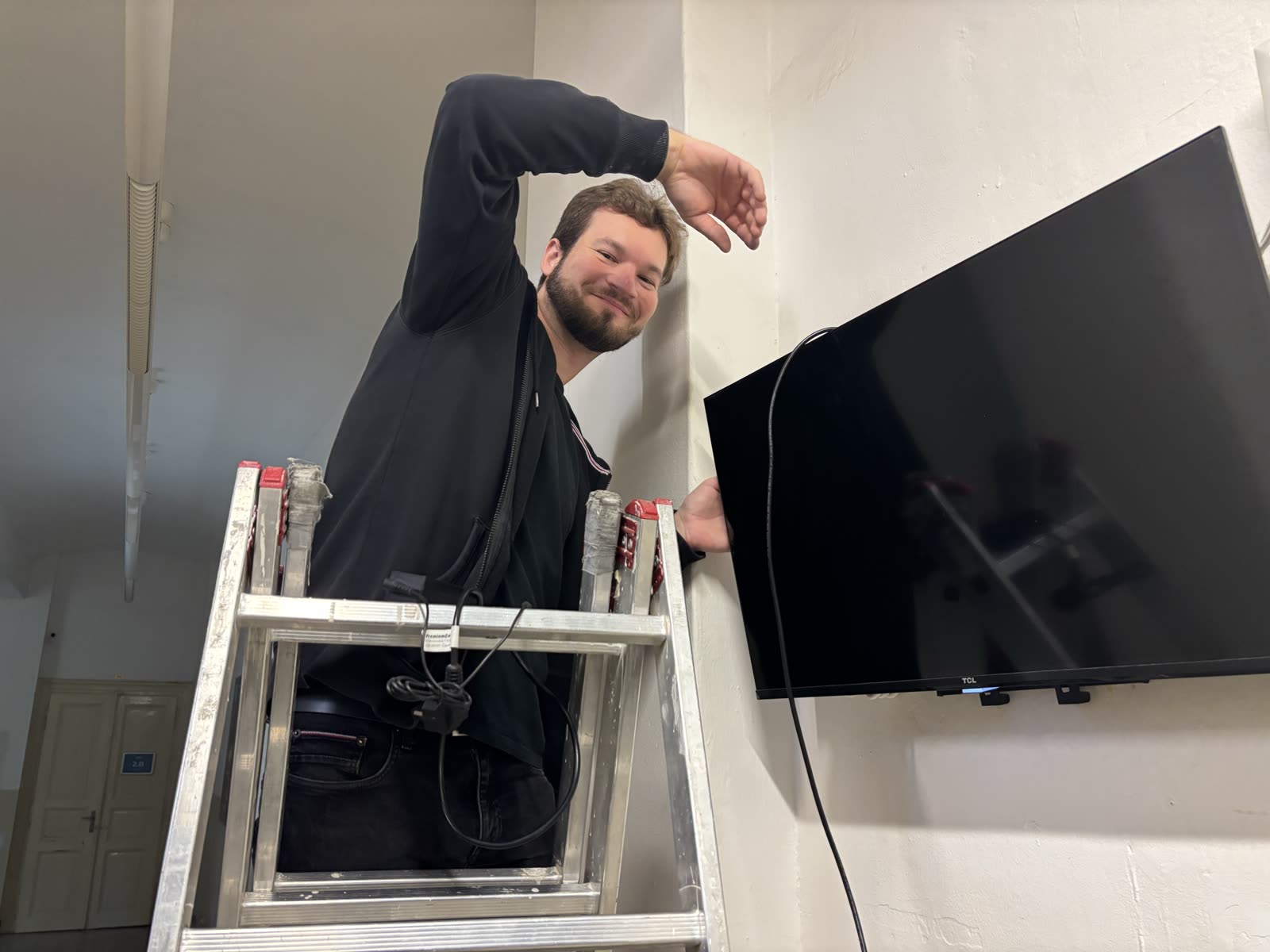
TV on the bracket, cables connected from behind -
We connect and tidy the cables. We bundle the power and network cables, and where needed, hide cables in a cable duct.
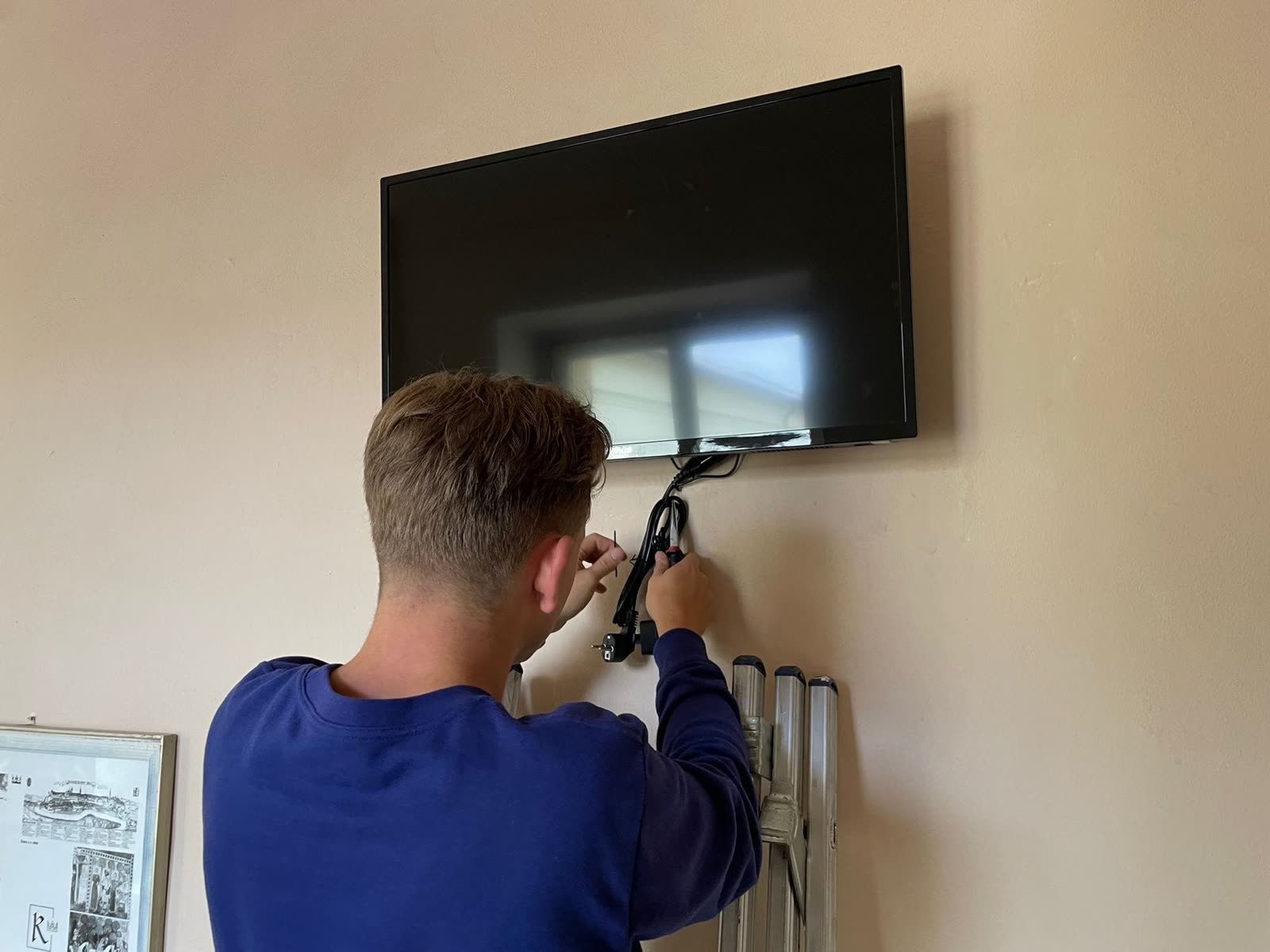
We bundle and hide cables to keep the installation neat and safe -
We pair the devices. After the first startup, the player waits to be paired in our administration. Then we assign it a scenario and save the TV details so it can automatically restart after a power outage.
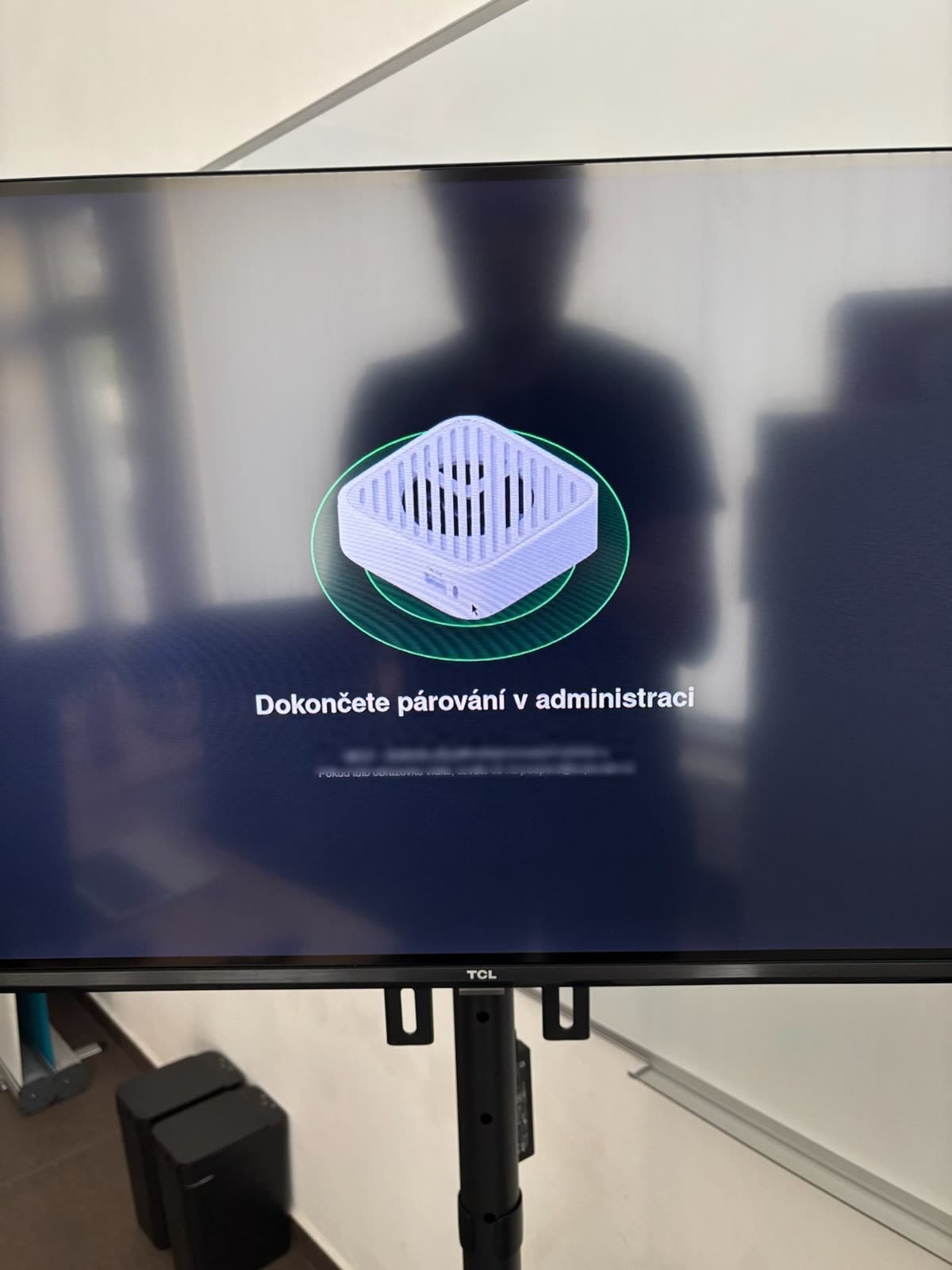
Player waits for pairing after first startup -
We test and configure. We verify power, internet connection, and TV control, and set when the screen should automatically turn on and off.
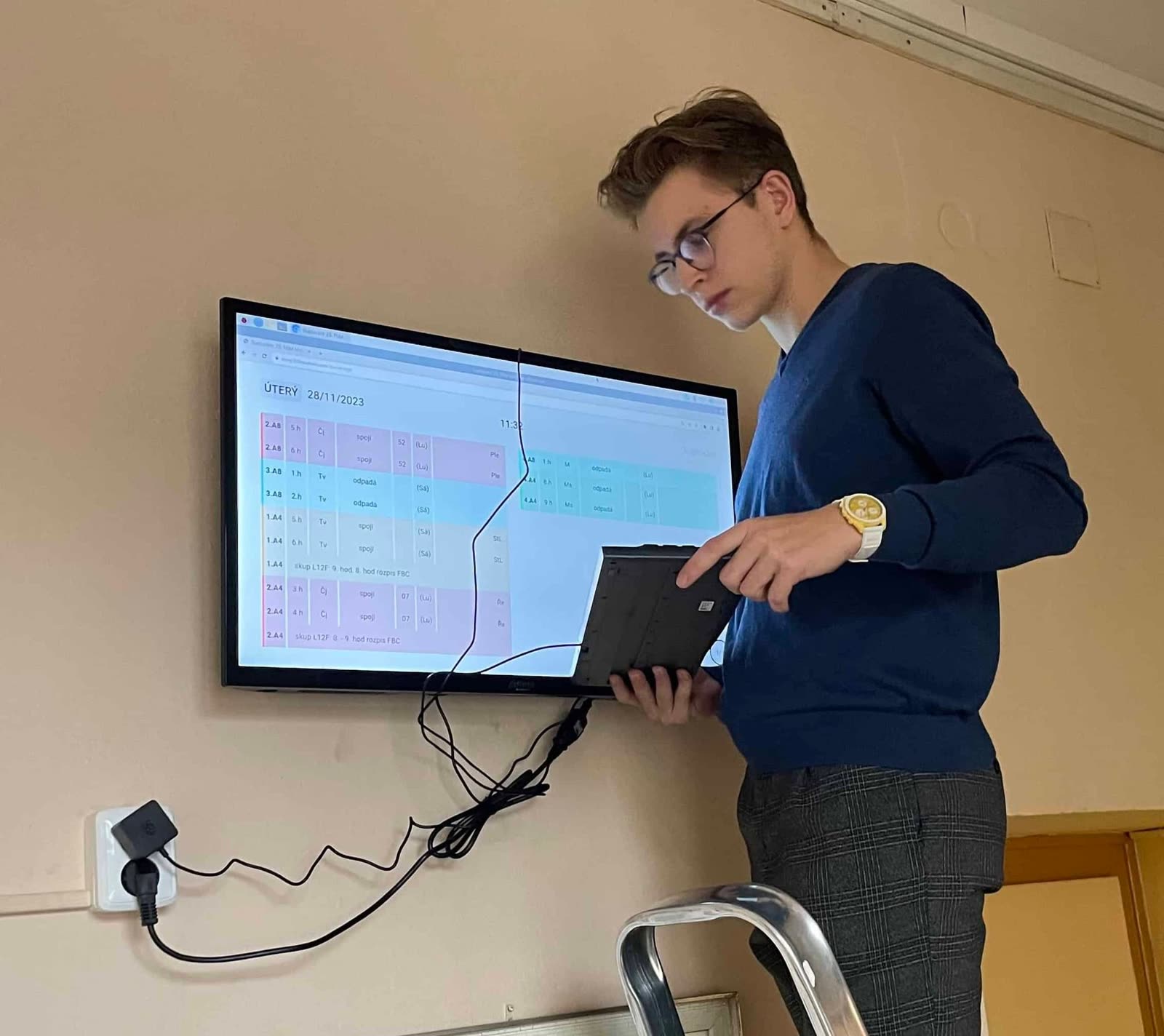
Checking and configuring the finished screen -
We clean up after ourselves. We take away packaging and vacuum the area.
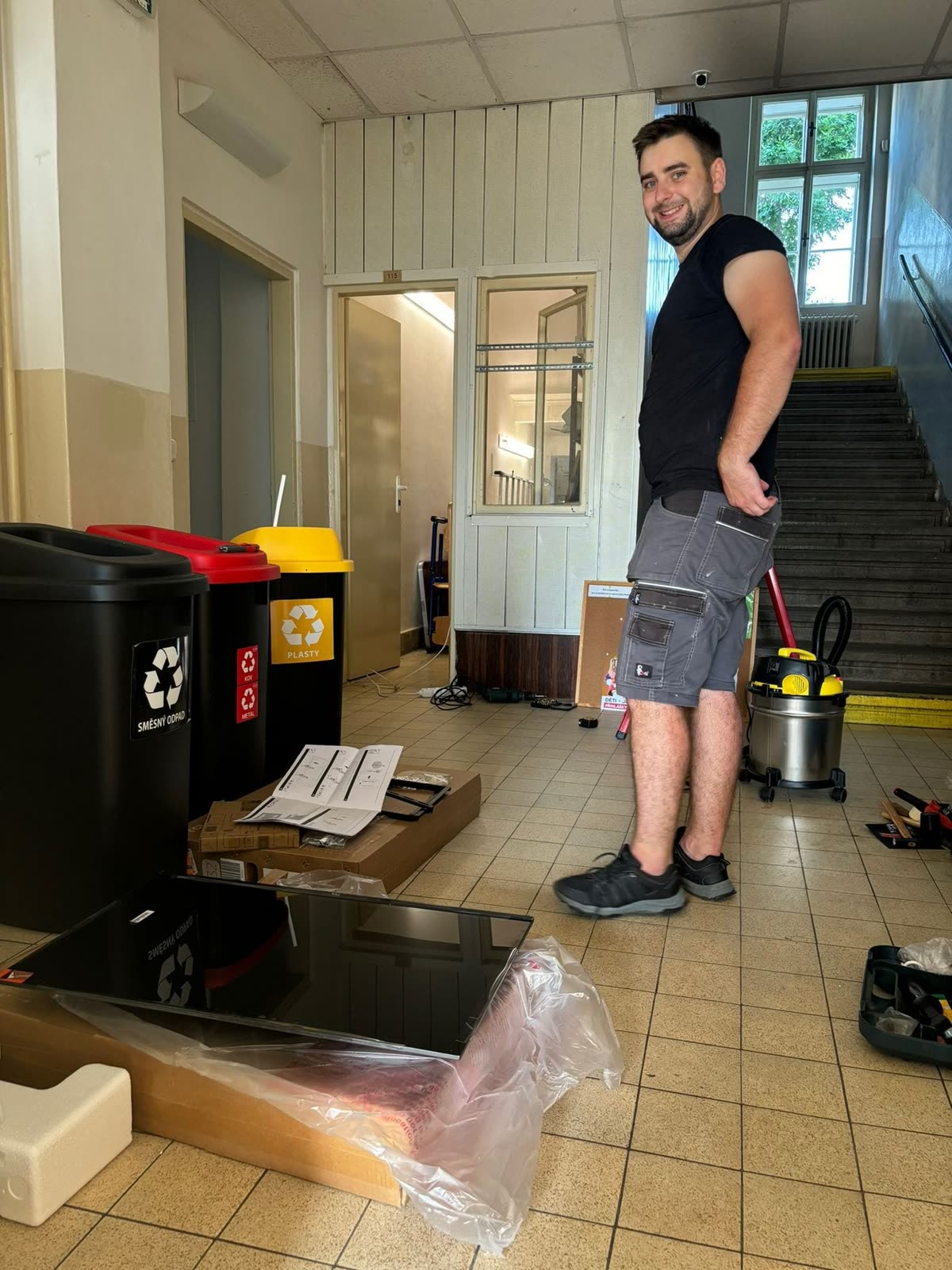
We remove packaging and vacuum the area
Installing one screen takes about 1 to 2 hours depending on how accessible the location is and the size of the panel.
After installation
- Screens immediately play the assigned scenario after pairing, usually with substitution from the school system. Data loads automatically; you don’t need to overwrite anything.
- If you don’t yet have access to Studio Suplování.cz, we will send you an invitation by email. How to set your password is described in Setting a password from the invitation.
- In the Studio, you can then customize the screens as you like: create your own screen, assemble a scenario and assign it to a device.
- We can adjust the screen on/off times upon request (see Screen schedule).
Updated