
Widgets
More options
 Discuss with Marie
 Widget Web
Embedding a web page into the screen: address, regular refresh, and websites that disallow embedding.
The Web widget displays a web page, such as a school menu, schedule, or news page. The page is only shown on the screen; you cannot click or scroll within it.
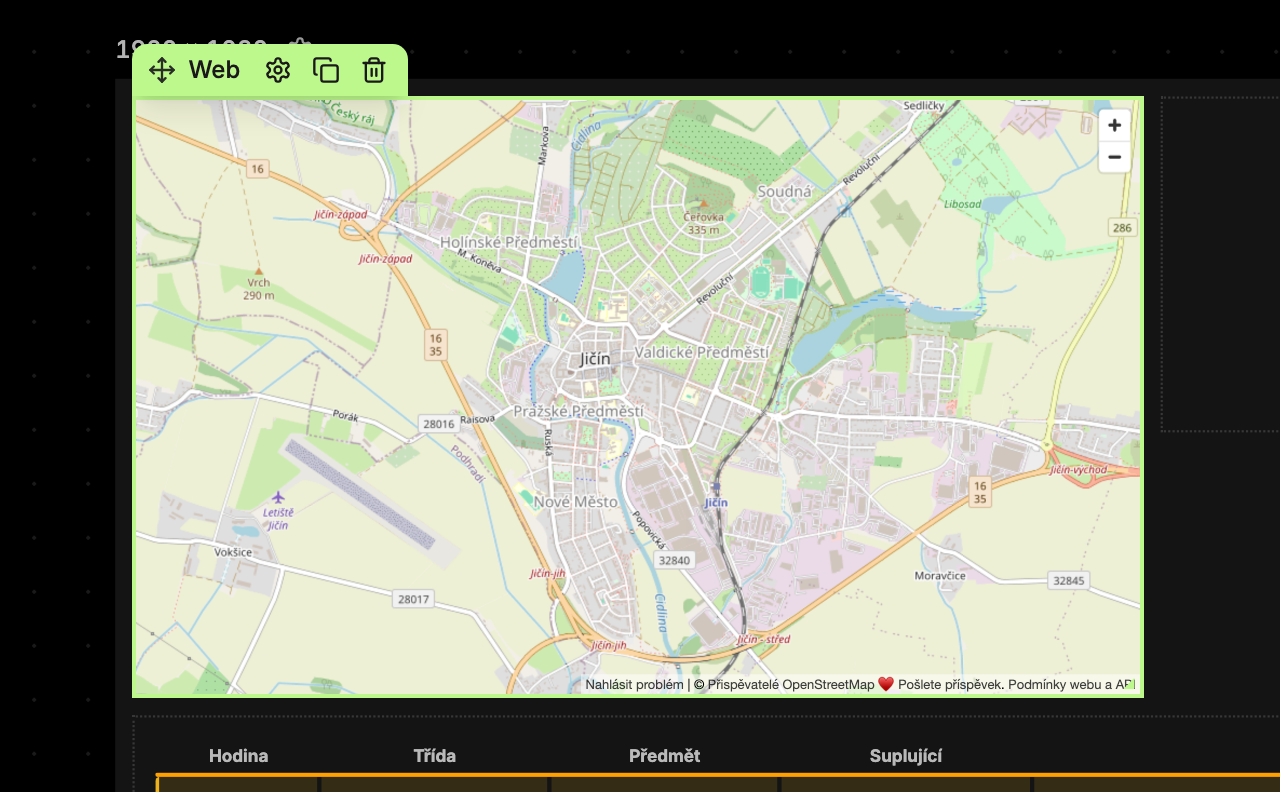
Content Tab
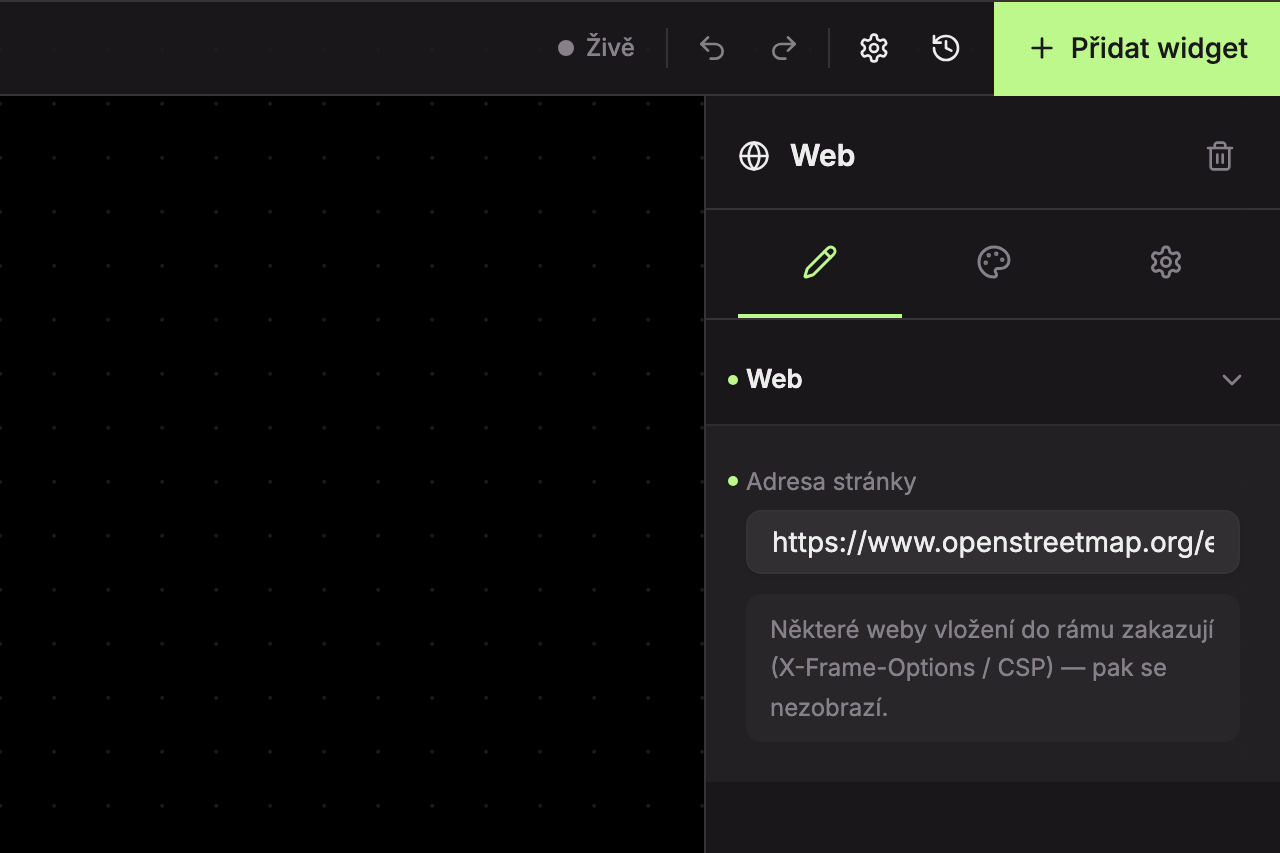
In the Web section, enter the website address in the Page address field. If you omit the https:// at the start, Studio will add it automatically.
An empty widget without an address shows the text Enter a web address.
Design Tab
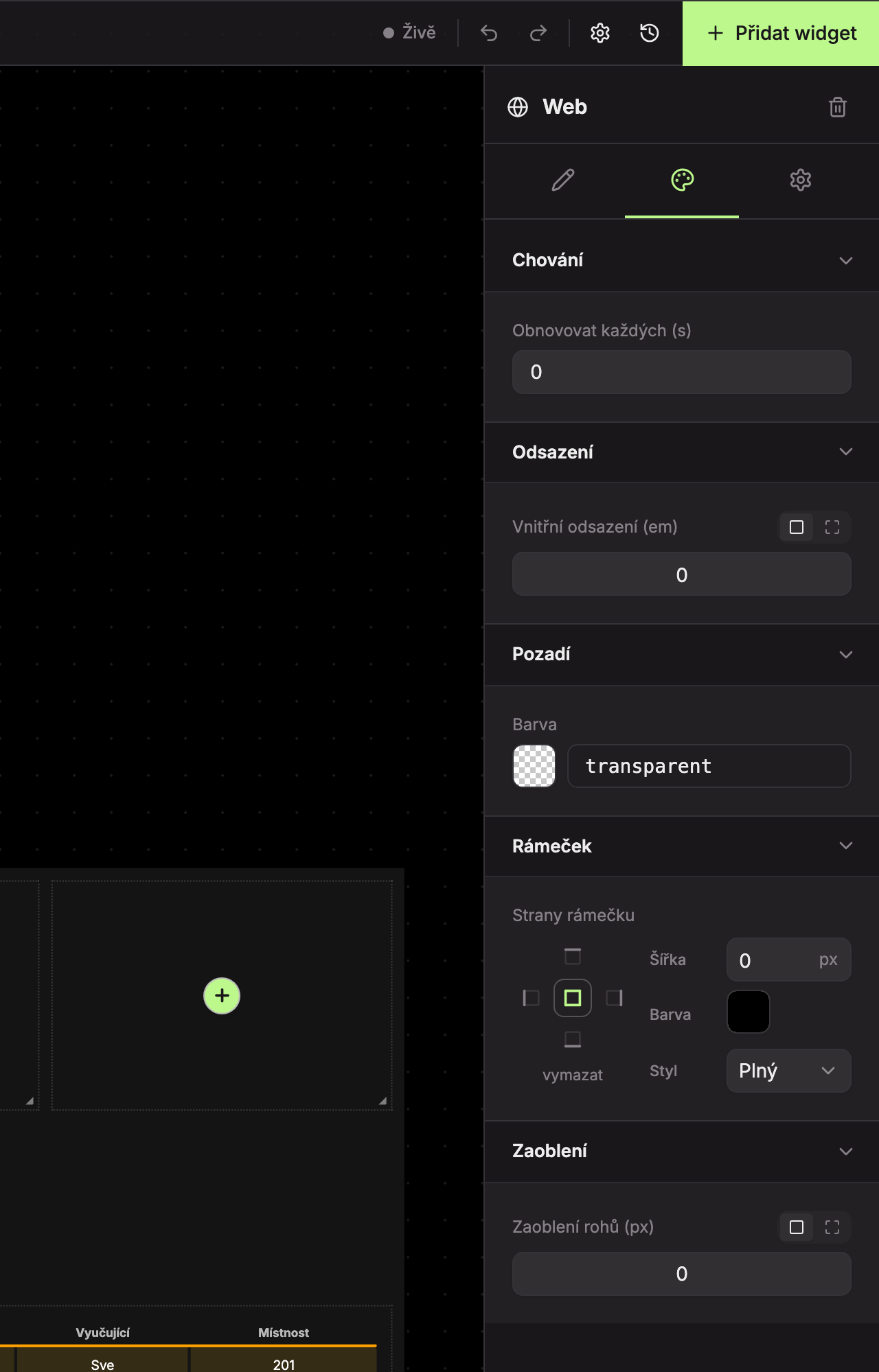
- Behavior (1) – the Refresh every (s) field: how many seconds between page reloads, from 0 to 86,400 seconds (24 hours), in increments of 5. The default is 0, meaning the page does not reload. Useful for pages that change during the day but don’t refresh automatically.
- Padding (2), Background (3), Border (4), Rounding (5) – see common appearance settings.
Updated