
More options
 Discuss with Marie
 Guide to Studio Suplování.cz
Complete guide for schools: how to prepare screens, widgets, and scenarios in Studio and how to manage TVs at school.
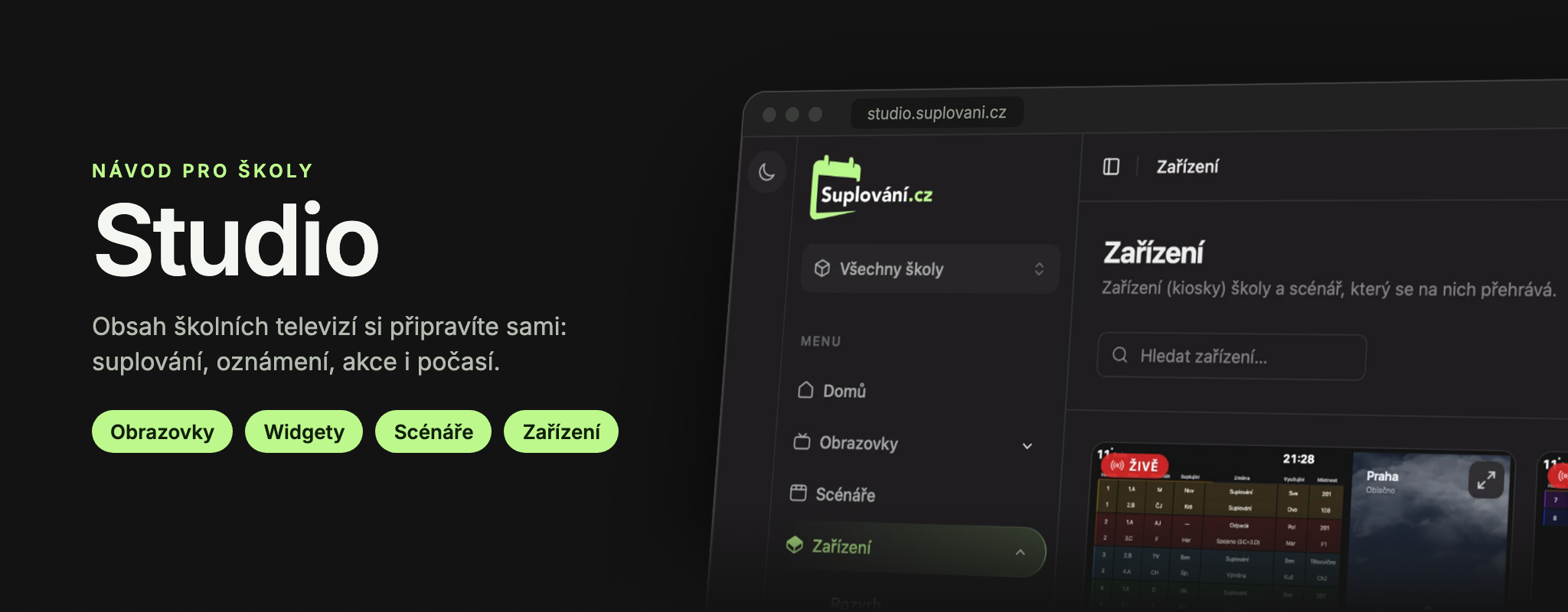
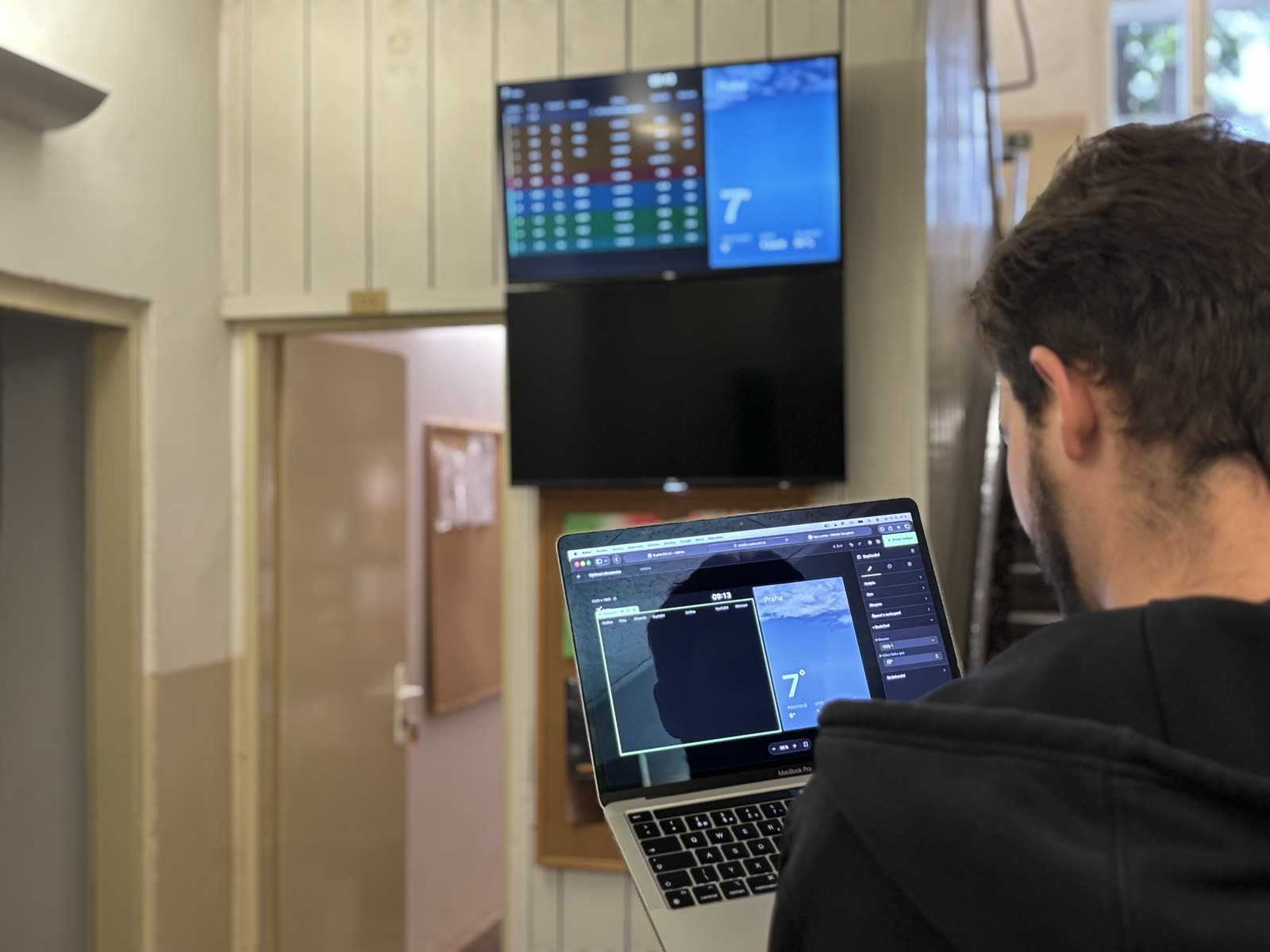
Studio Suplování.cz is a web application where the school itself prepares the content for TVs in hallways, the lobby, or the staff room: substitutions, supervision duties, events, announcements, time, weather, images, and videos. You work in it using a regular browser, and changes appear on the TVs within seconds.
Where to start
Are you using Studio for the first time? Follow these steps:
- Log in and get familiar with the interface.
- Create a screen and add a Substitution widget.
- Upload an image to the Media Library.
- Build a scenario, i.e., the sequence of screens on the TV.
- Assign the scenario to a device and check in the live monitor what is playing.
Just want to quickly announce something? Simply write an announcement for the whole school.
Preparing to install screens? Start in the Screen Installation section: it contains a checklist for the school and materials for the network administrator.
Guide contents
| Section | About |
|---|---|
| Getting Started | Login, password, navigating the Studio, profile, and announcements for the whole school. |
| Screens | Screen editor: widgets on the desktop, their settings, appearance, change history, and deletion. |
| Widgets | Every widget and each of its settings: Substitutions, Supervisions, Events, Announcements, Time, Weather, Image, Video, and Web. |
| Media Library | Uploading, searching, and deleting images and videos. |
| Scenarios | Screen order, transitions, conditions by time and day, playback, and time simulation. |
| Devices | School TVs: live previews, scenario assignment, device status, turning on and off, schedule. |
| Billing and Documents | Issued invoices, billing information, and contracts. |
| Screen Installation | What the school prepares before installation, network requirements, installation process, and additional services. |
| For Founders | What Suplování.cz is, which schools it is for and why to support it. |
| Partner Schools | “Reference School” program: involvement in development, benefits, and conditions. |
| Help | Keyboard shortcuts, common issues, and support contact. |
Updated