
Widgets
More options
 Discuss with Marie
 Paging and Transitions
How the Suplování, Dozory, and Akce widgets divide content into pages, how long a page stays, the countdown indicator, and 11 transition effects.
The Suplování, Dozory, and Akce widgets display lists that often don’t fit into the widget all at once. They therefore split them into pages that rotate automatically. You set how fast and with what effect in the Paging and Animations sections.
Paging Section (Content tab)
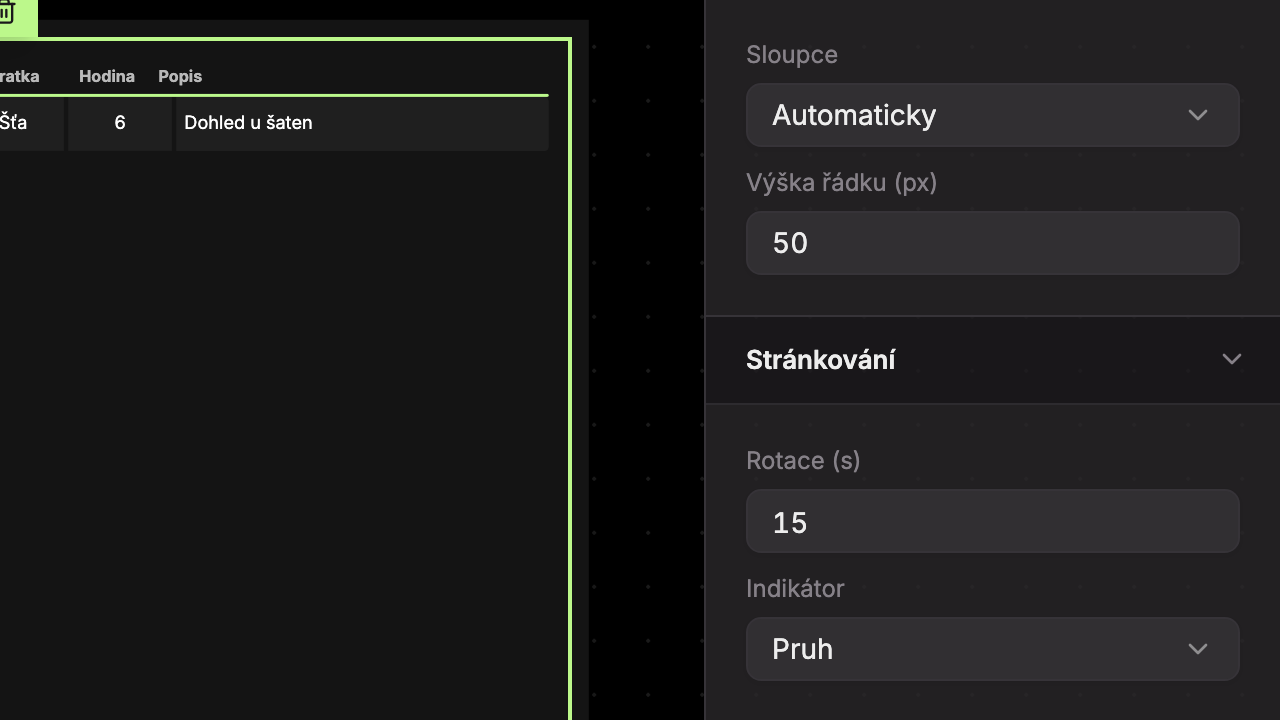
| Widget | Duration of one page | Range | Default |
|---|---|---|---|
| Suplování | Page delay (s) | 1–60 s | 6 s |
| Dozory | Rotation (s) (1) | 3–120 s | 15 s |
| Akce | Rotation (s) (1) | 3–120 s | 15 s |
The Indicator field (2) determines how the widget shows the countdown to the next page:
- Bar (default) – a thin bar runs along the bottom of the widget. When it reaches the end, the page flips.
- Clock – in the bottom right is a circle with the page number in the format “2/3”, around which the countdown runs. The circle takes up the space of one line in the widget.
Examples of both indicators can be found in the Suplování widget.
The indicator and countdown only appear if the widget has more than one page. The color of the bar and circle is determined by the widget’s Primary color (see Widgets).
Page Transition (Design tab, Animations section)
The Page Transition field determines the effect used when a new page appears. The default is Fade.
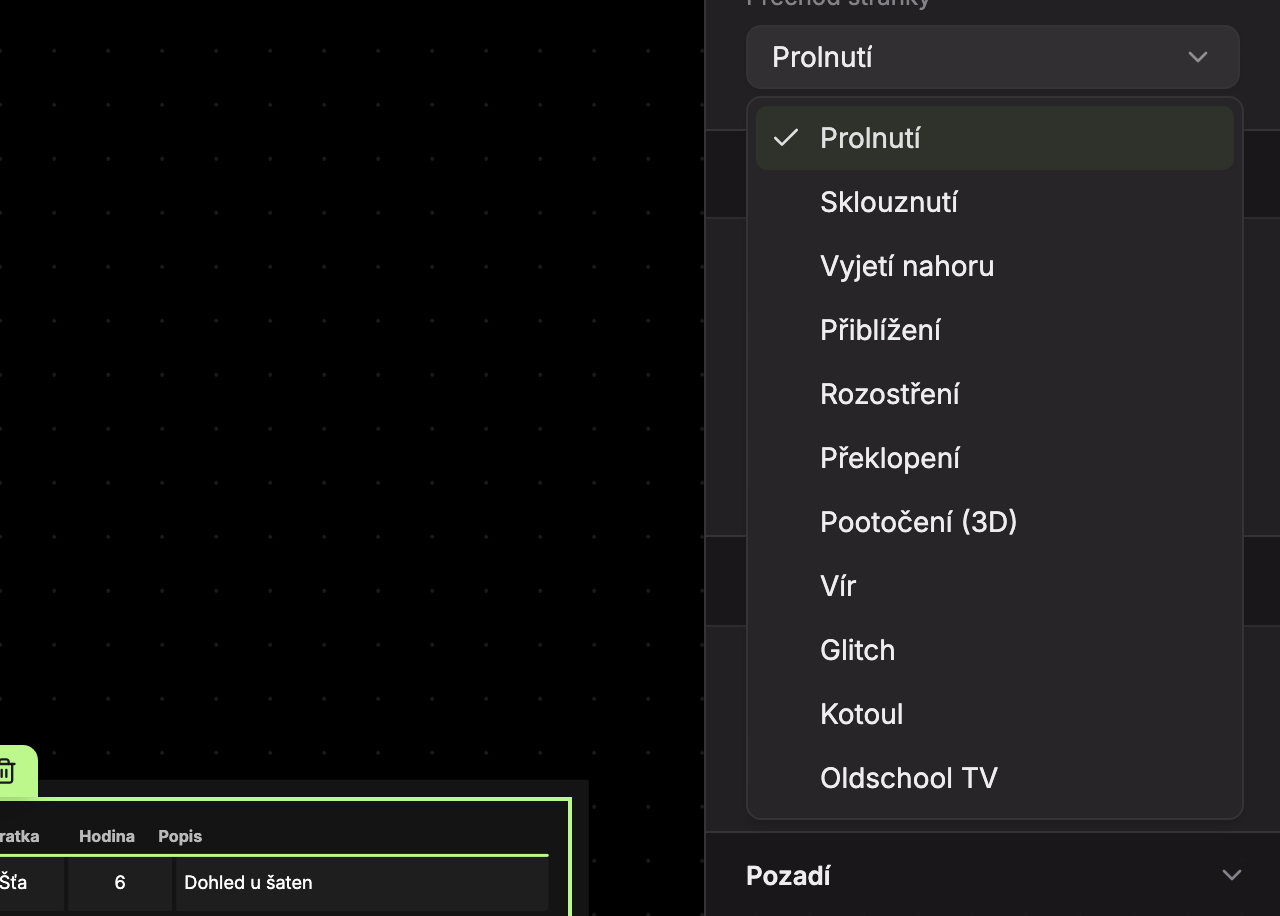
| Transition | Description | Duration |
|---|---|---|
| Fade | The new page smoothly fades over the old one. | 0.7 s |
| Slide | The new page slides in slightly from the right. | 0.8 s |
| Slide Up | The new page slides in slightly from below. | 0.8 s |
| Zoom In | The new page appears from a slightly smaller size. | 0.8 s |
| Blur | The new page appears from a blurred image. | 0.9 s |
| Flip | The new page flips down like a page. | 0.95 s |
| Rotate (3D) | The new page rotates like a door opening from the left side. | 1.0 s |
| Whirl | The new page spins and grows from a smaller size. | 1.0 s |
| Glitch | The new page shakes as if the image is stuck. | 0.8 s |
| Roll | The new page rolls in from the left. | 1.0 s |
| Oldschool TV | The new page unfolds from a horizontal line like on an old TV. | 0.9 s |
You can use the same effects for transitions between screens in a scenario, where there is also an instant switch without effect.
Updated