
Getting Started
More options
 Discuss with Marie
 Login and Forgotten Password
How to log in to Studio with email and password and how to request a link for a new password.
You log in to Studio using the email and password you set from the invitation (see Setting a password from the invitation).
Logging In
Open Studio
In your browser, open the Studio address you received from Suplování.cz. The Welcome back page will appear.
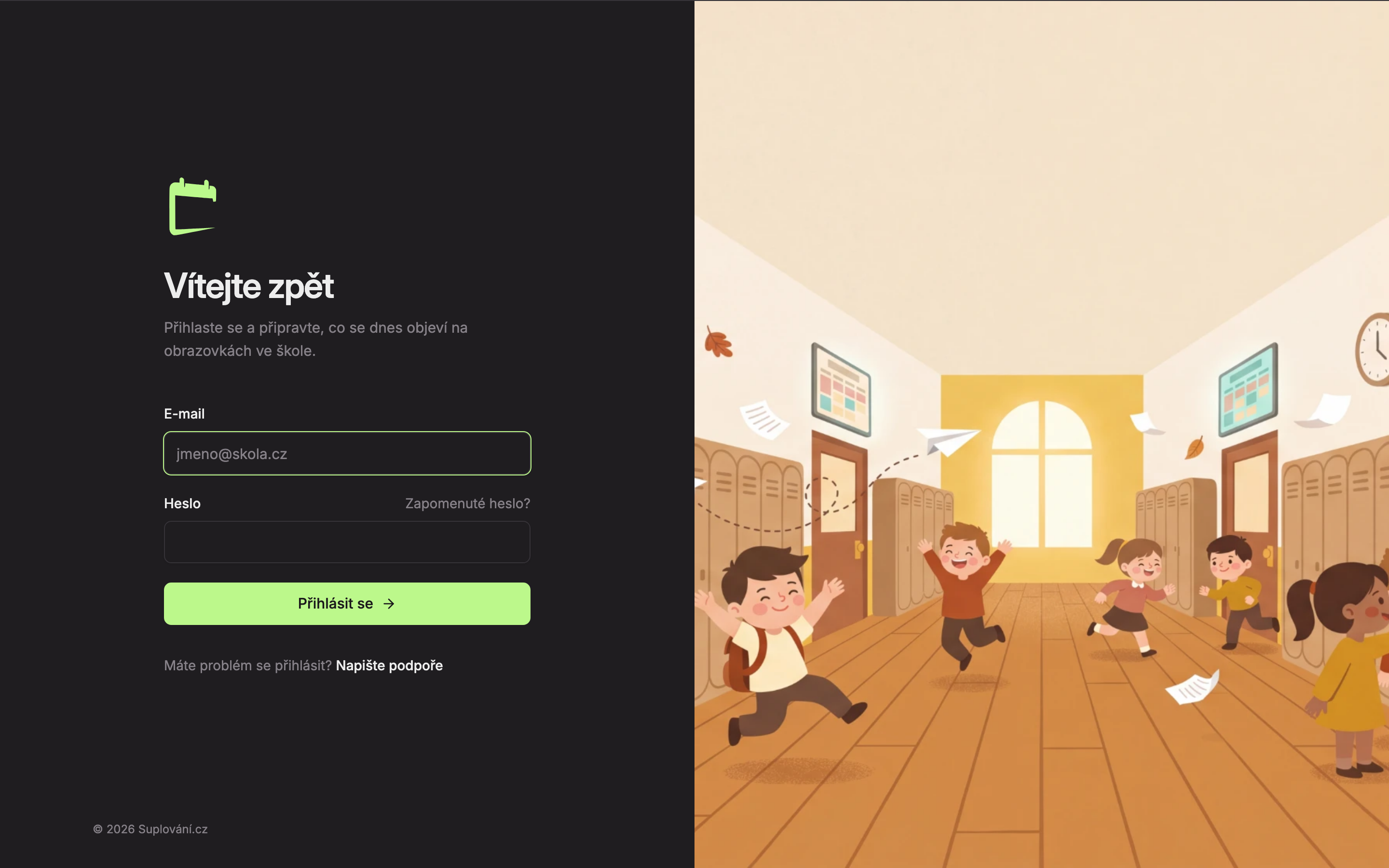
Enter your email and password
In the Email field (1), enter the email address to which the invitation was sent, and in the Password field (2), enter your password.
Log in
Click Log in (3). While verifying, the button will display “Logging in…”. Then the Home start page will open.
If the email or password does not match, the message Incorrect email or password. will appear. Check for typos and capitalization, or reset your password using the instructions below.
Forgotten Password
Click on Forgotten password?
On the login page, click the Forgotten password? link below the Password field.
Enter your email
In the Email field (1), enter the email you use to log in, and click Send link (2). While sending, the button will show “Sending…”.
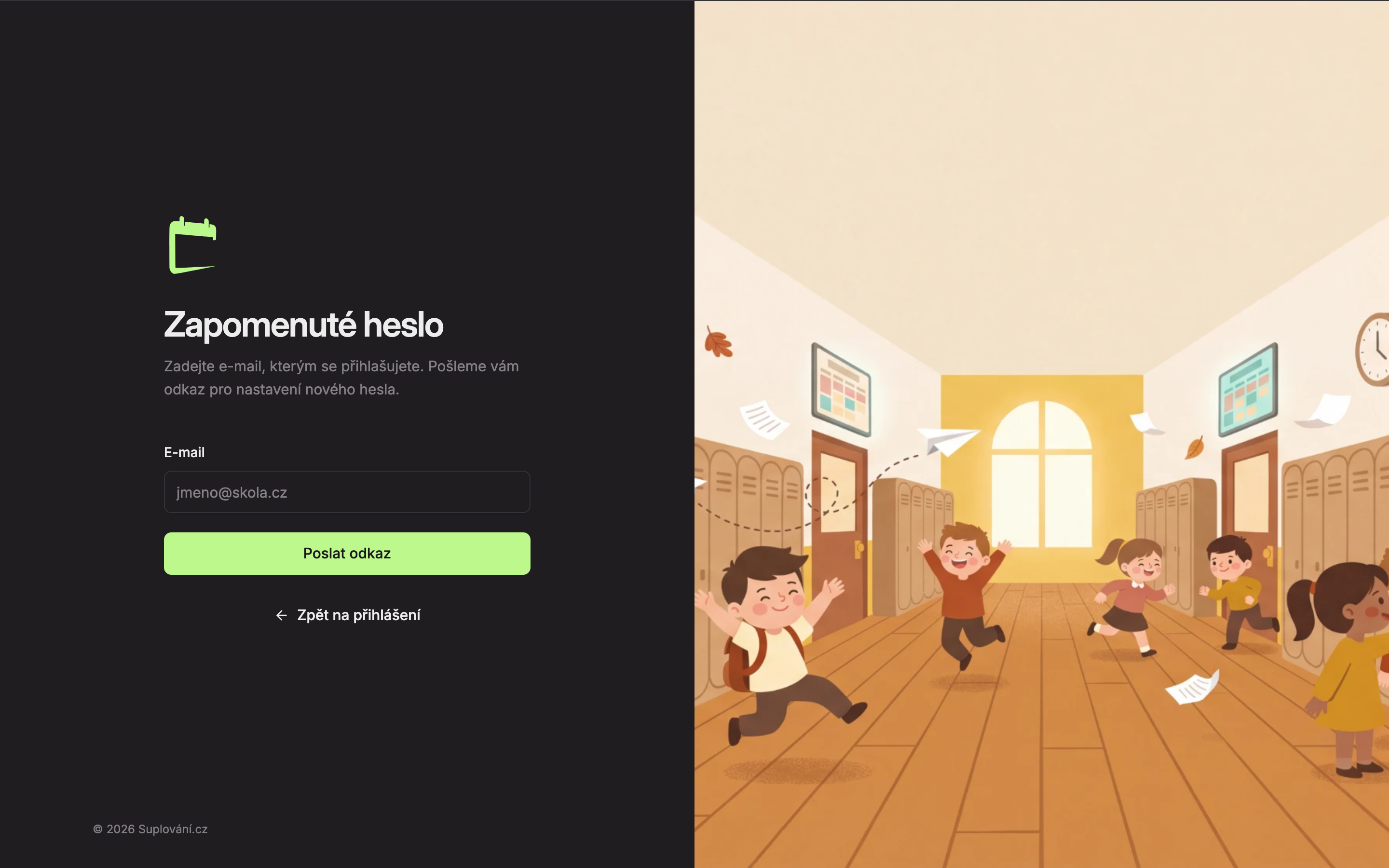
Open the link from the email
The Check your email page will appear. If an account exists for the entered address, you will receive an email with a link to set a new password. Open the link and set your password just like from the invitation.
When you have trouble logging in
Below the login form is the link Having trouble logging in? Contact support. Clicking it will open an email to support (podpora@suplovani.cz) with a pre-filled message where you just need to add your login email.
Updated