
Widgets
More options
 Discuss with Marie
 Weather Widget
Current weather for the selected location: location selection, title, alignment, and what the widget displays based on its size.
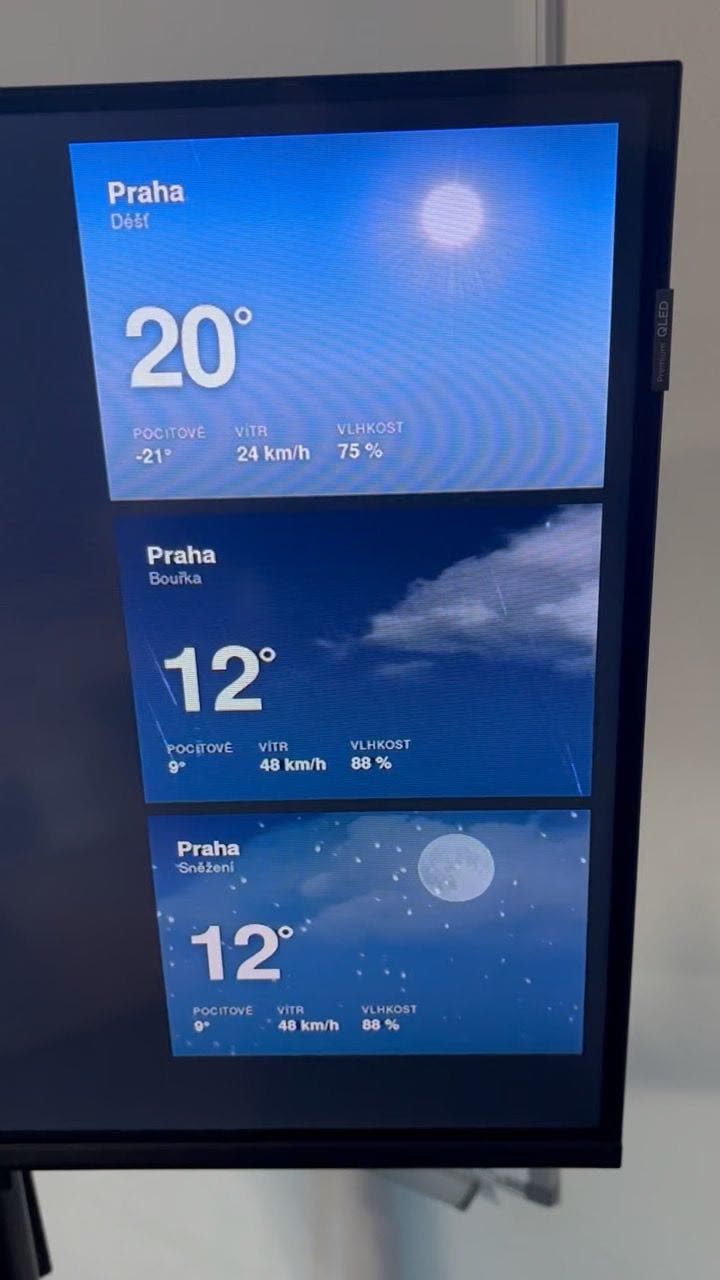
The Weather widget shows the current temperature and weather for the location you choose. Depending on the widget size, it shows only the temperature or also a landscape illustration with the sky reflecting the time of day and weather.
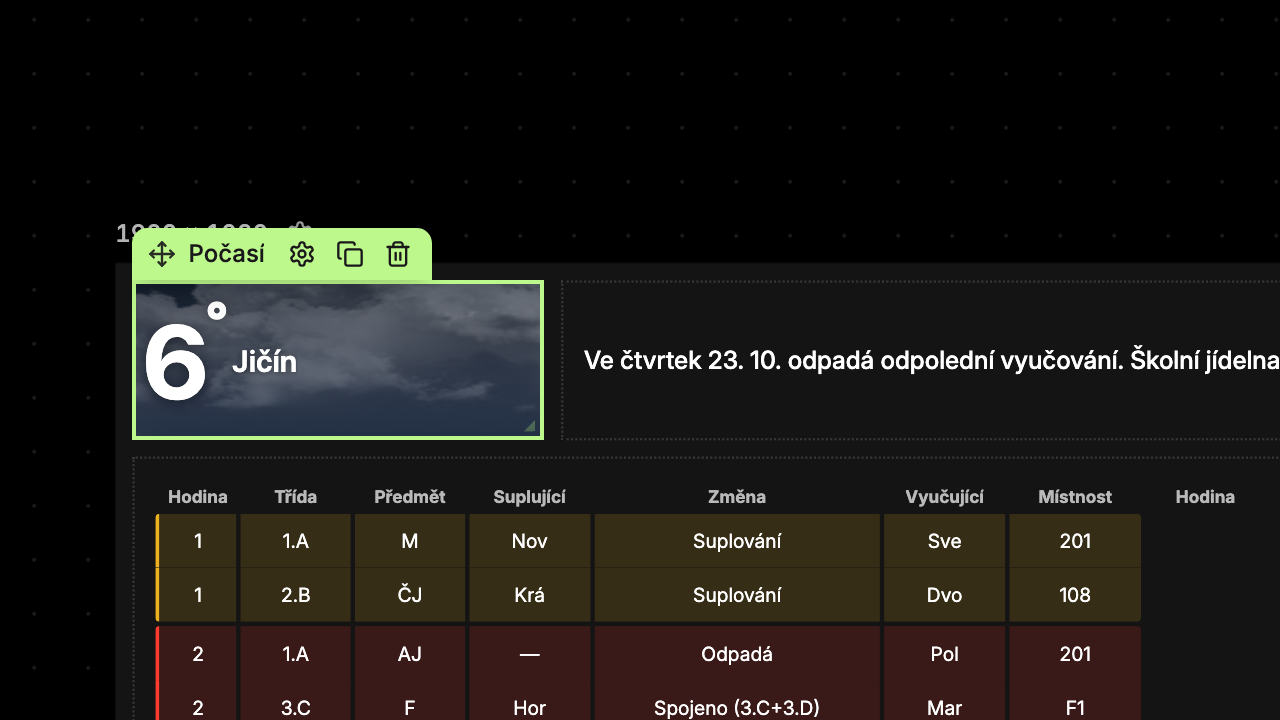 Weather data comes from the Open-Meteo service and refreshes every 10 minutes.
Content Tab
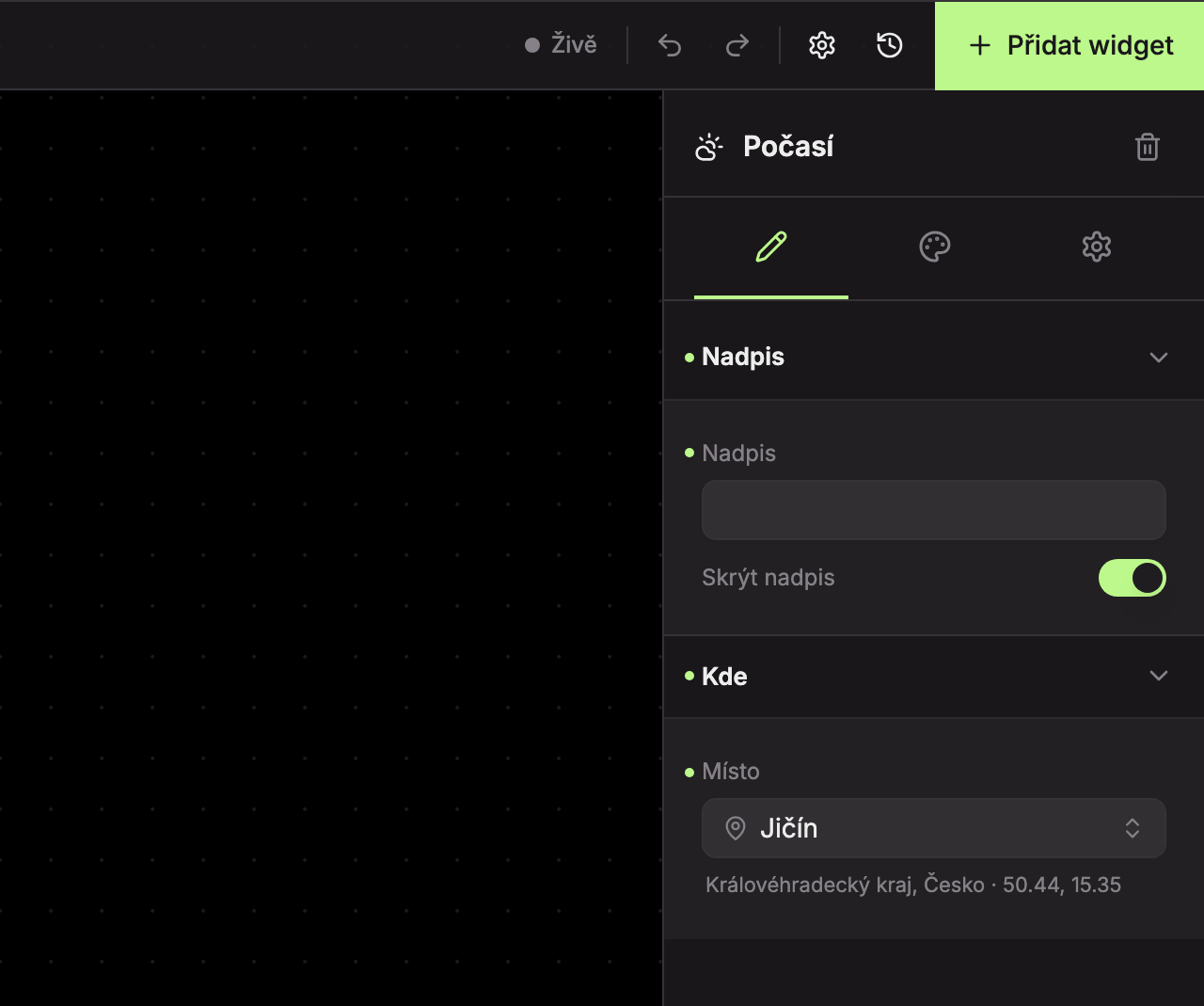
Title (1)
| Field | What it does | Default |
|---|---|---|
| Title | Title text. | Weather |
| Hide title | The title will not be displayed. | enabled (title is hidden) |
Location (2)
The Location field determines for which place the weather is shown. Below the selected location, the region, country, and geographic coordinates are displayed.
Open location selection
Click the location field (if no location is selected, it shows “Select location…”). A search opens. The first option is Recommended with the city from your school’s billing address.
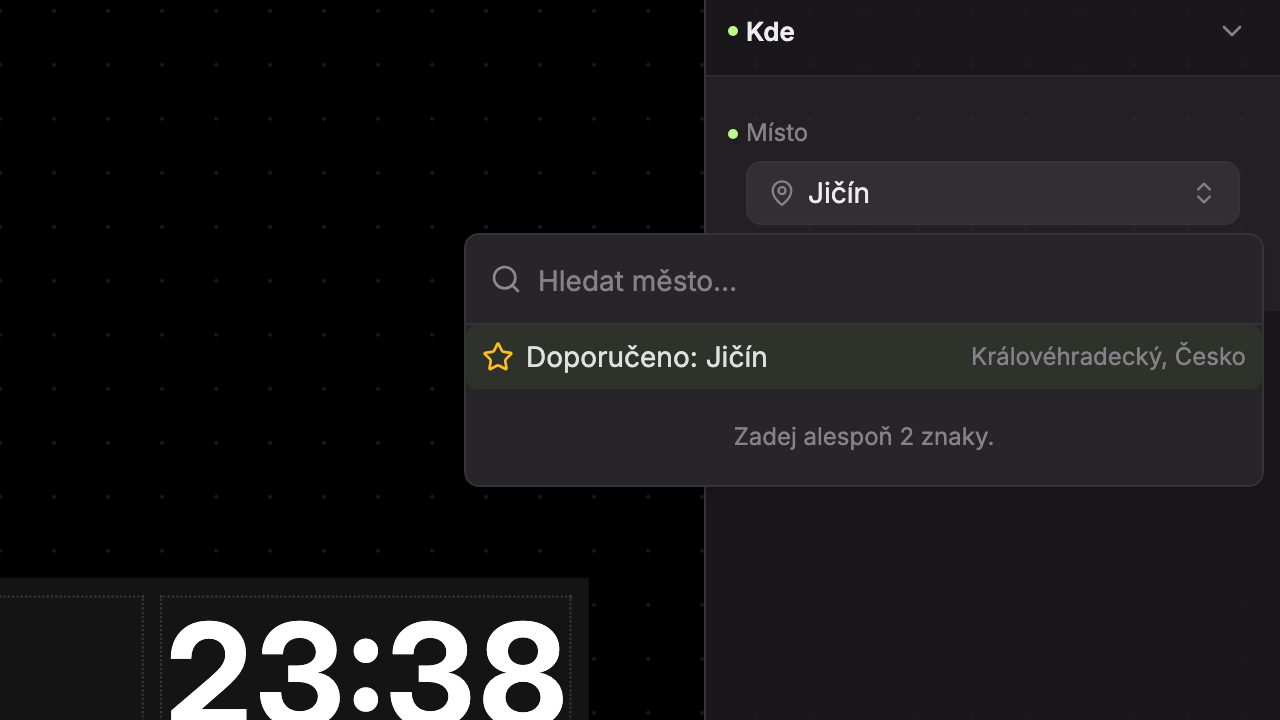
Search for a city
Type at least 2 characters in the Search city… field. Up to 8 results appear, with the region and country shown on the right. While searching, it shows “Searching…”, and if nothing is found, “No results found.”
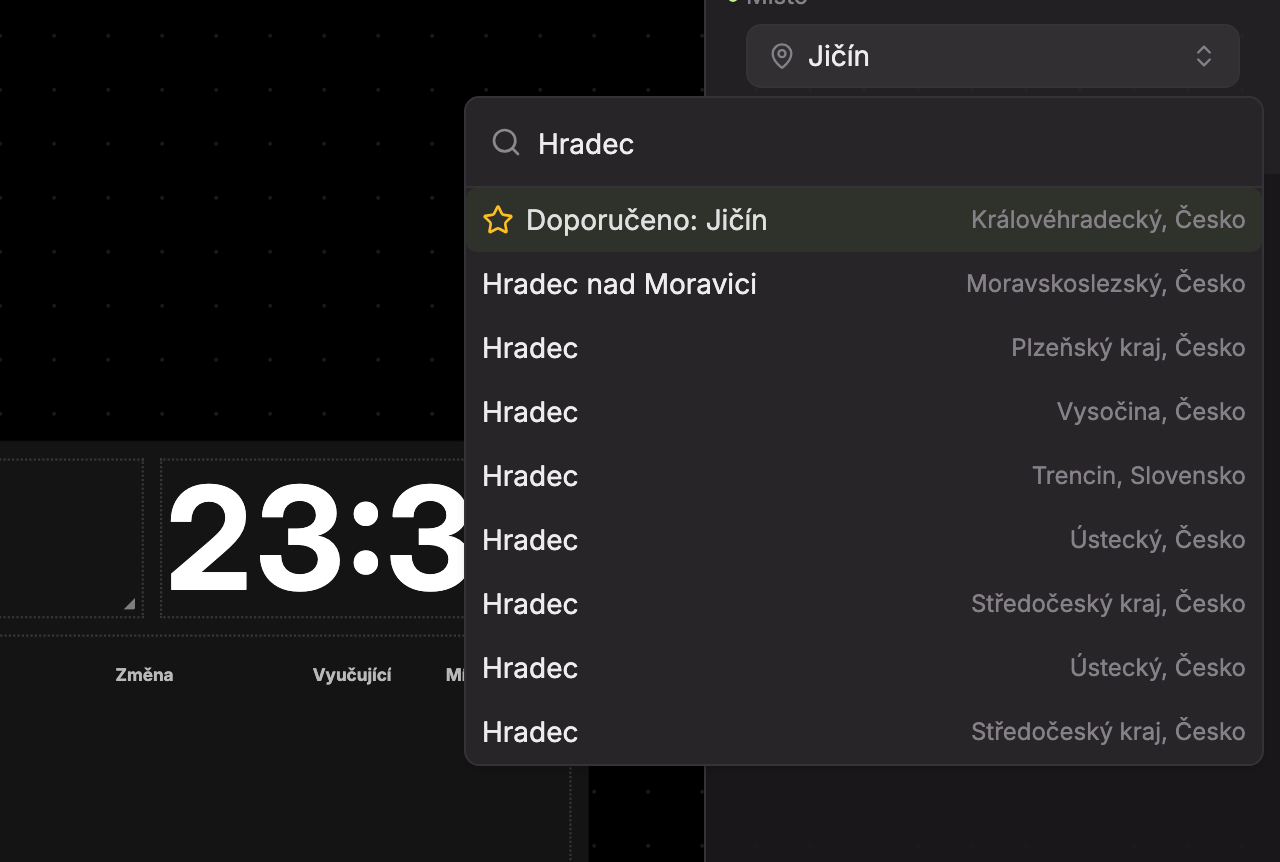
Select location
Click the correct result. The widget immediately shows the weather for the new location.
Without a selected location, the widget shows a sample scene and the location as “—”.
Design Tab
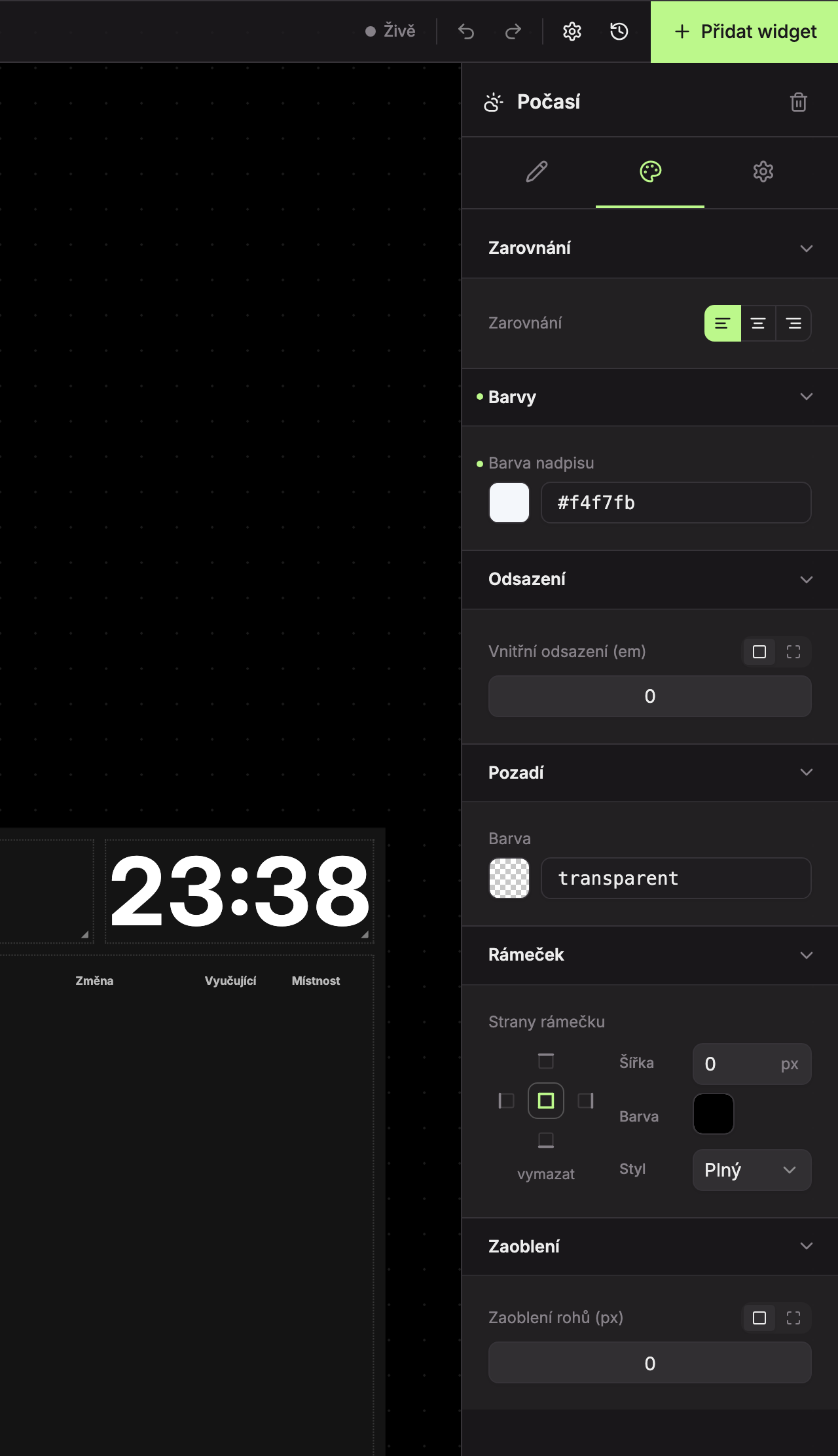
- Alignment (1) – Left (default), Center, or Right.
- Colors (2) – Title color.
- Padding (3), Background (4), Border (5), Rounding (6) – see common appearance settings.
What the widget shows based on size
| Widget size | What it shows |
|---|---|
| Narrower than about 3 cells or 1 row high | Only temperature and location as text. |
| At least 3 cells wide and about 2 rows high | Small illustration. |
| About 3 rows high | Full illustration without description and data. |
| 4 rows or more | Full illustration with weather description and data for Feels like (°), Wind (km/h), and Humidity (%). |
The weather description is one of: Clear, Partly Cloudy, Overcast, Drizzle, Rain, Snow, Thunderstorm. The illustration changes according to the time of day (dawn, day, dusk, night based on sunrise and sunset) and at night also shows the Moon phase.
If the weather data fails to load, the widget does not display any error and will try again on the next refresh.
Updated