
Getting Started
More options
 Discuss with Marie
 Getting Started
Logging into Studio, initial password setup, navigating the app, your profile, and announcements for the whole school.
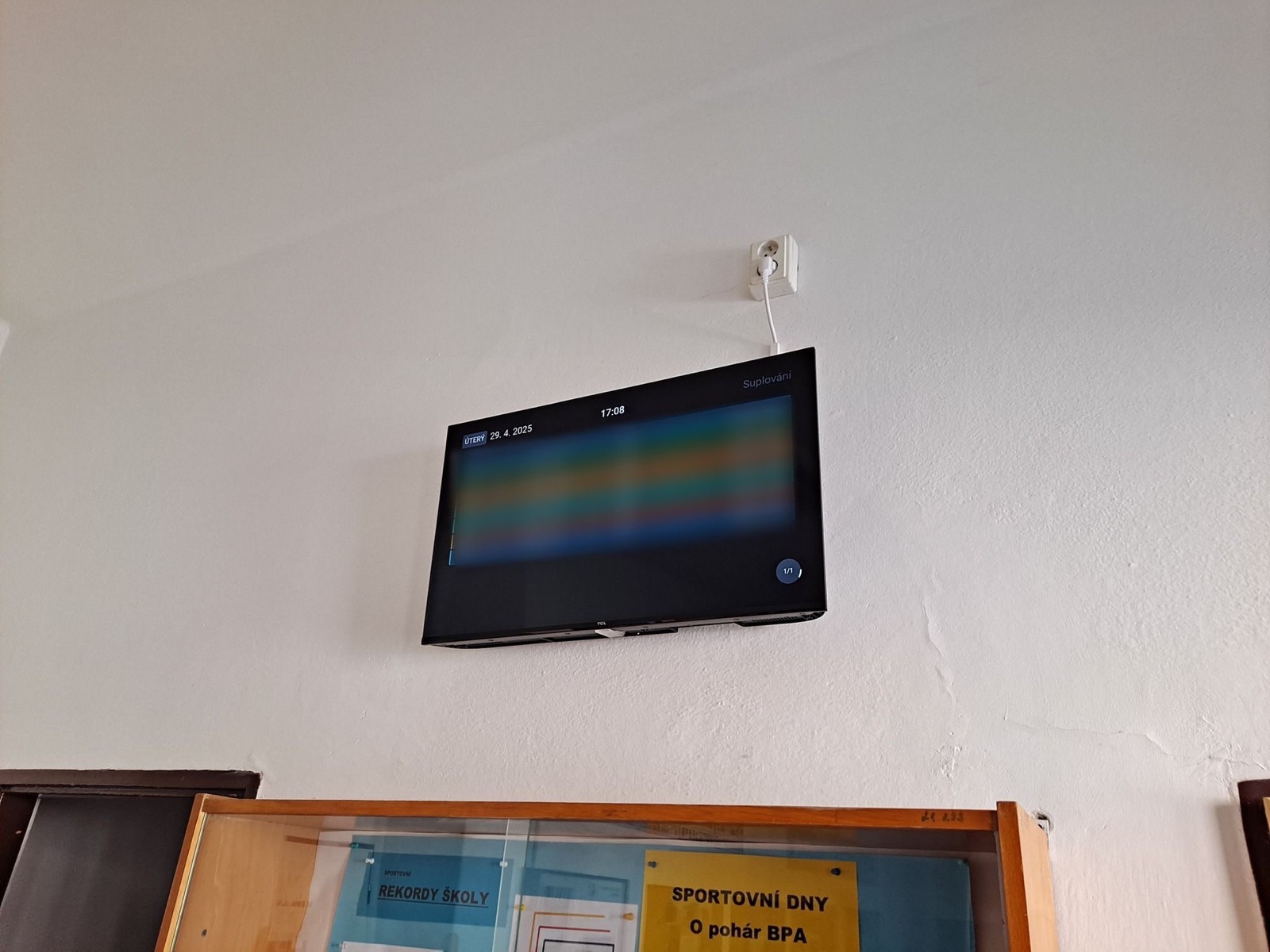
Studio Suplování.cz is a web application where the school prepares what will appear on screens in hallways, the lobby, or the staff room. You work in it using a regular browser. Nothing needs to be installed.
In this section, you will learn to:
- log in and reset a forgotten password,
- set your password from an invitation,
- navigate the Studio menu and controls,
- edit your name and profile picture,
- write an announcement that appears on all school screens.
How Studio Works
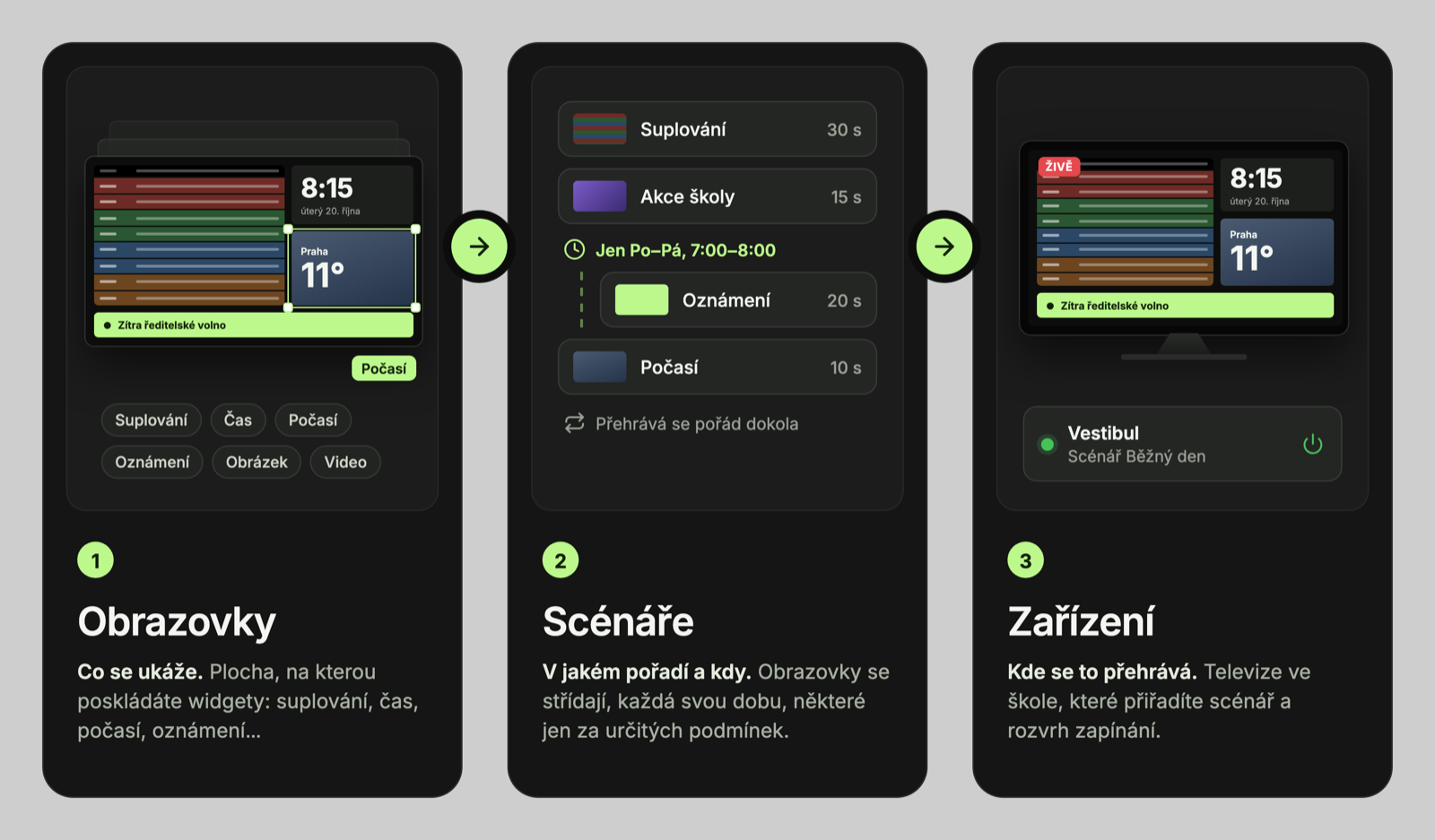
The content of the screens consists of three layers:
| Term | What it is | Where to find it |
|---|---|---|
| Screen | A single “page” for the TV: layout of widgets (substitutions, time, weather, image…) on a 1920 × 1080 canvas. | Screens |
| Scenario | The order of screens, how long each is shown, transitions between them, and conditions (for example, a different screen in the morning). | Scenarios |
| Device | The computer by the TV that plays the assigned scenario. | Devices |
Images and videos you use on the screens are stored in the Media Library.
Updated