
Devices
More options
 Discuss with Marie
 Devices
The TVs and monitors in your school: what is currently playing on them, which scenario they are running, and when they turn on and off.
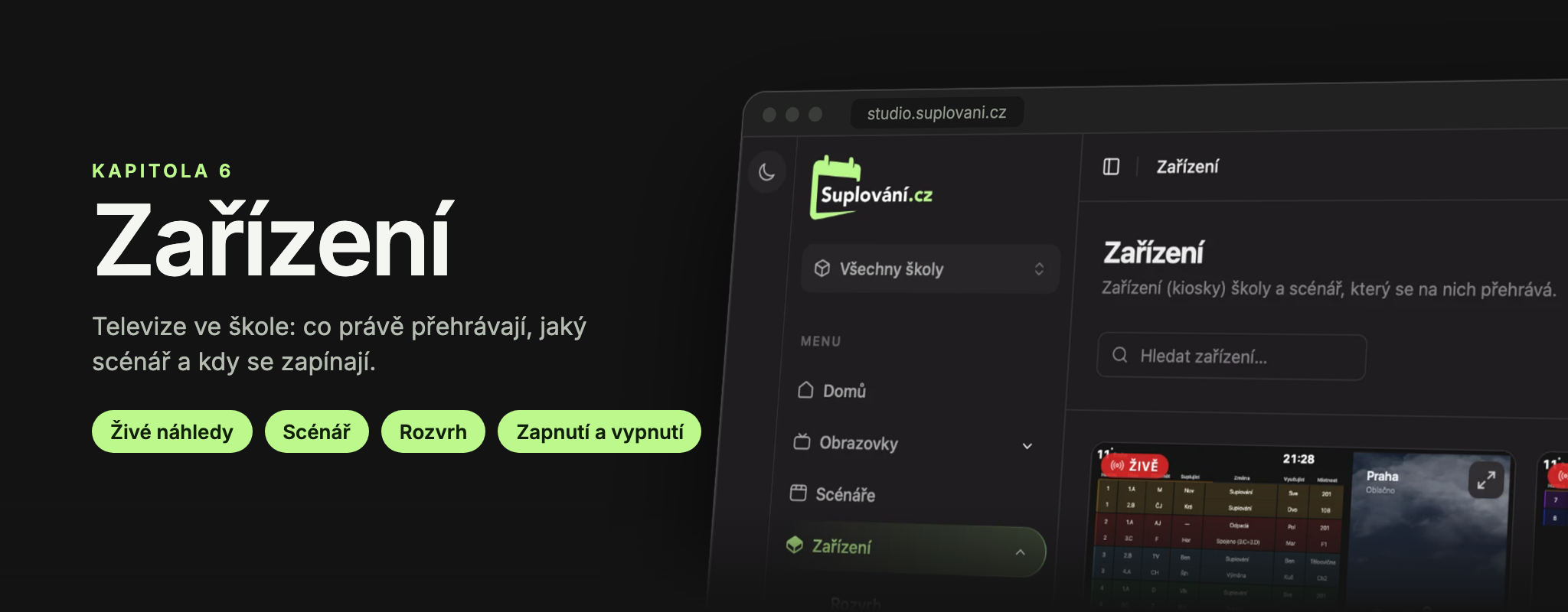
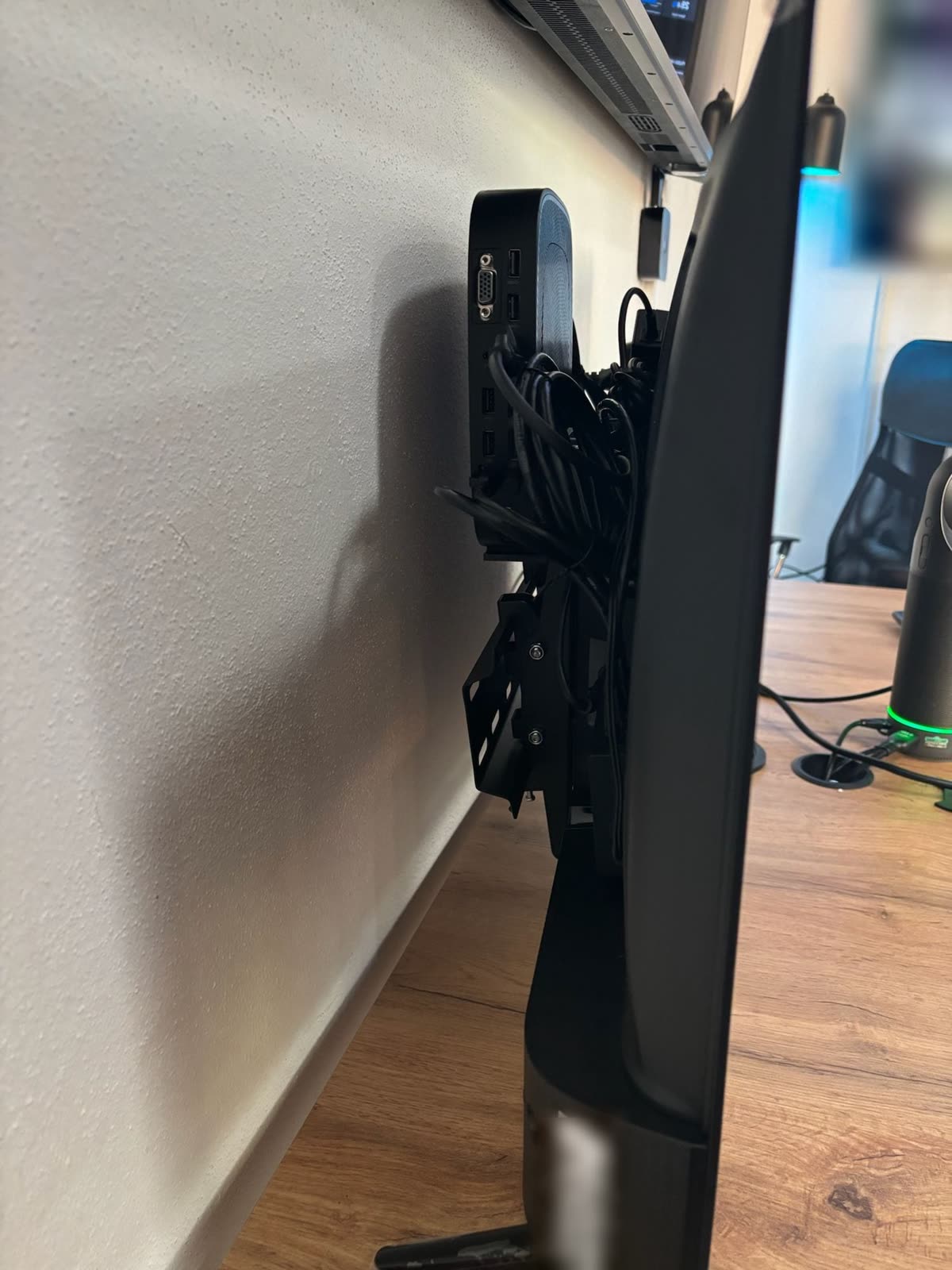
Device is a small computer (kiosk) connected to a TV or monitor in the school. It plays the scenario assigned to it in Studio and turns the screen on and off according to the schedule.
In Studio, you can:
- see what is currently showing on each screen, live,
- assign a scenario to a device,
- turn the screen off or on temporarily,
- check if the device is running and view its schedule.
We install and configure the devices in the school ourselves. It is not possible to add a new device, rename it, or change the schedule in Studio. In such cases, please contact us (see Support Contact).
What the school prepares before installing a new device is described in the section Screen Installation.
In this section
- Device Overview – Devices page, live previews, and what the different statuses mean.
- Assigning a Scenario to a Device – how to specify what plays on the screen.
- Device Details – status, disk, and device load.
- Live Monitor – tracking where the device’s scenario currently is.
- Turning Screens On and Off – temporarily switching one or all screens.
- Screen Schedule – when screens turn on and off automatically.
Updated