
Widgets
More options
 Discuss with Marie
 Events Widget
List of school events with description, type, and dates: what to display, layout, pagination, and colors.
The Events widget shows planned school events. Each event has a title, description, optionally a type, and one or more dates. The data comes automatically from the school system.
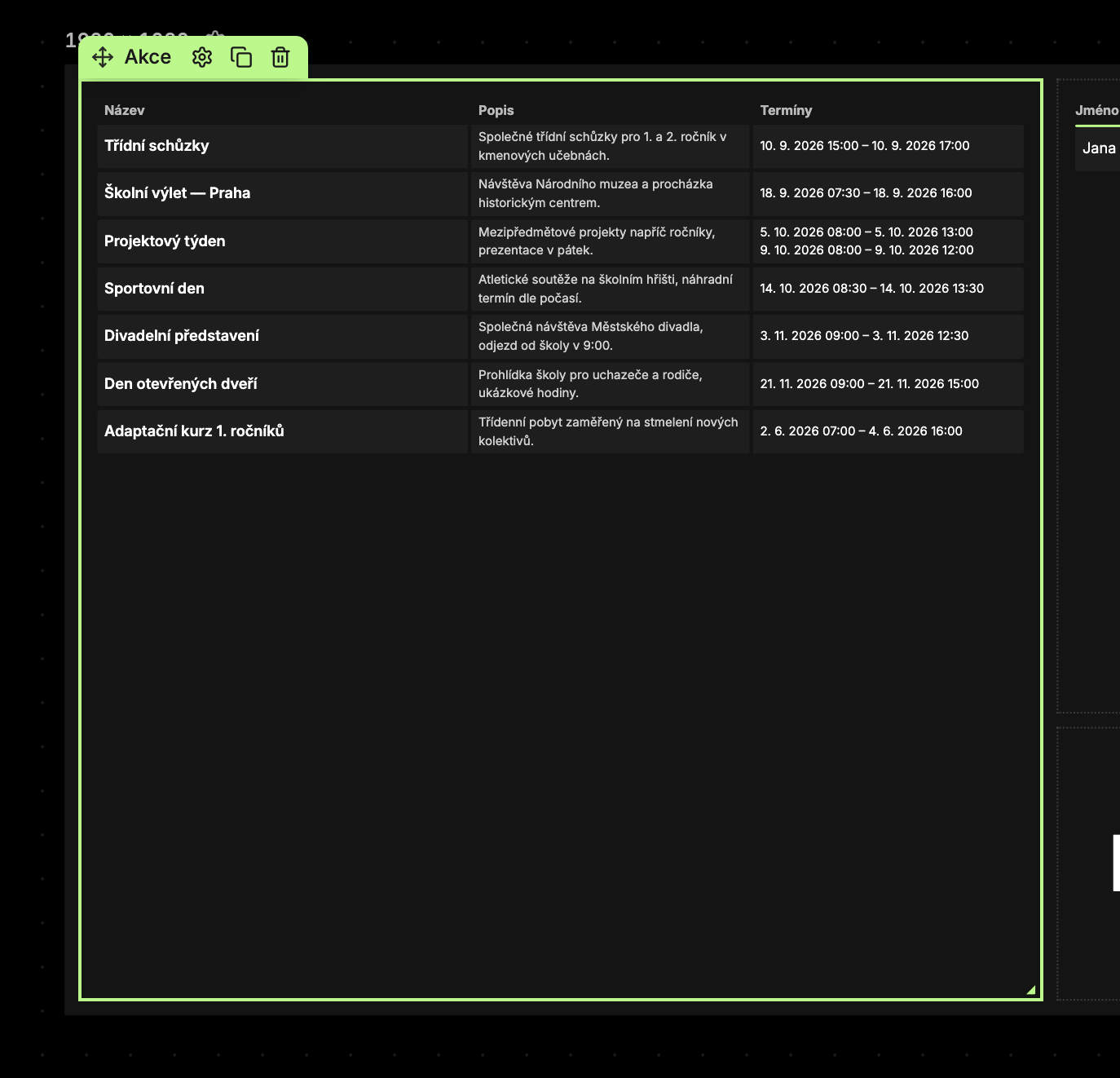 The table has columns Title, Description, and Dates. A date is shown as a range, for example, “Sep 10, 2026 15
Content Tab
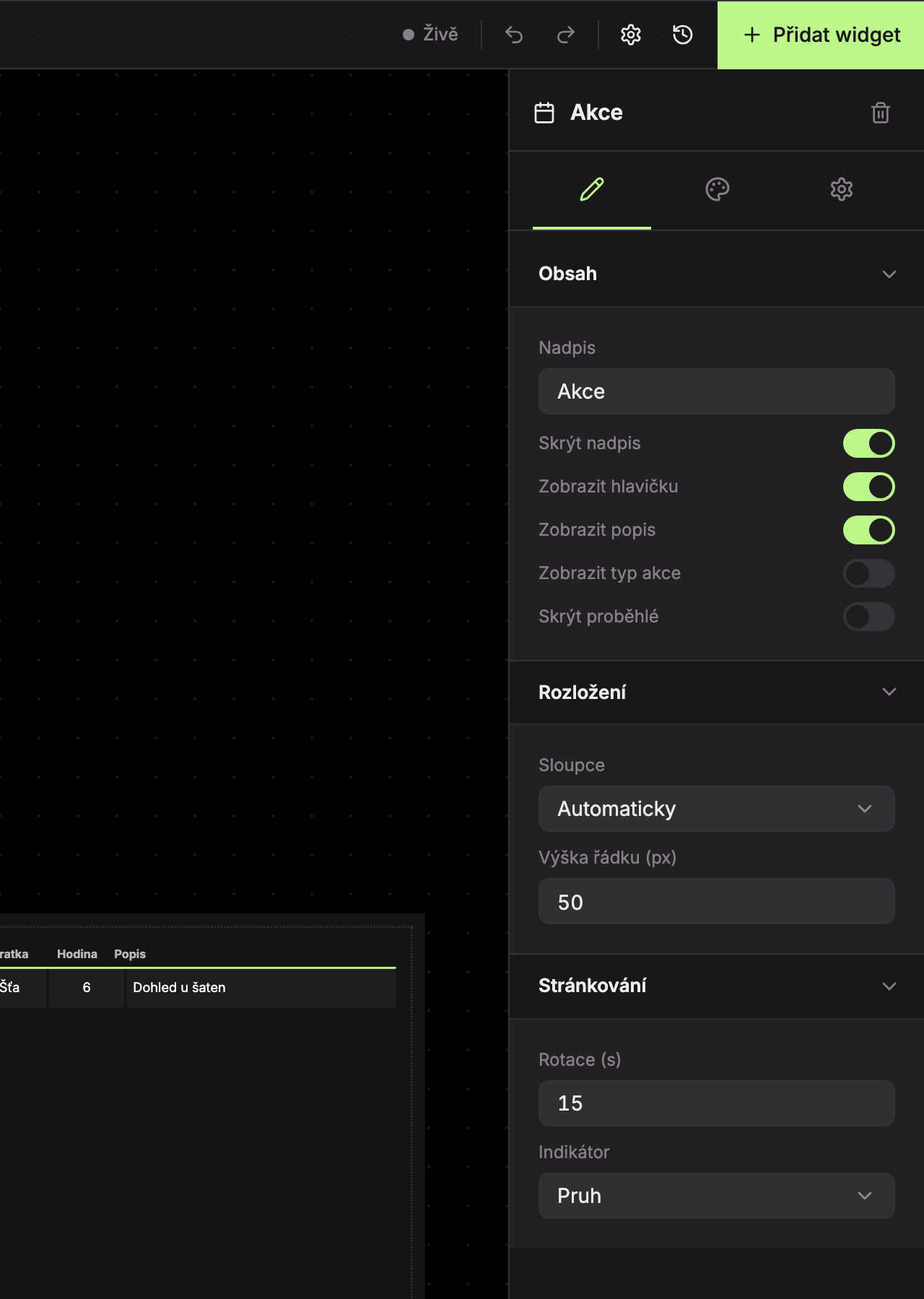
Content (1)
| Field | What it does | Default |
|---|---|---|
| Title | Text of the title above the table. | Events |
| Hide title | The title is not displayed. | on (title is hidden) |
| Show header | Row with column names Title, Description, Dates. | on |
| Show description | Description column. If turned off, the title and dates get more space. | on |
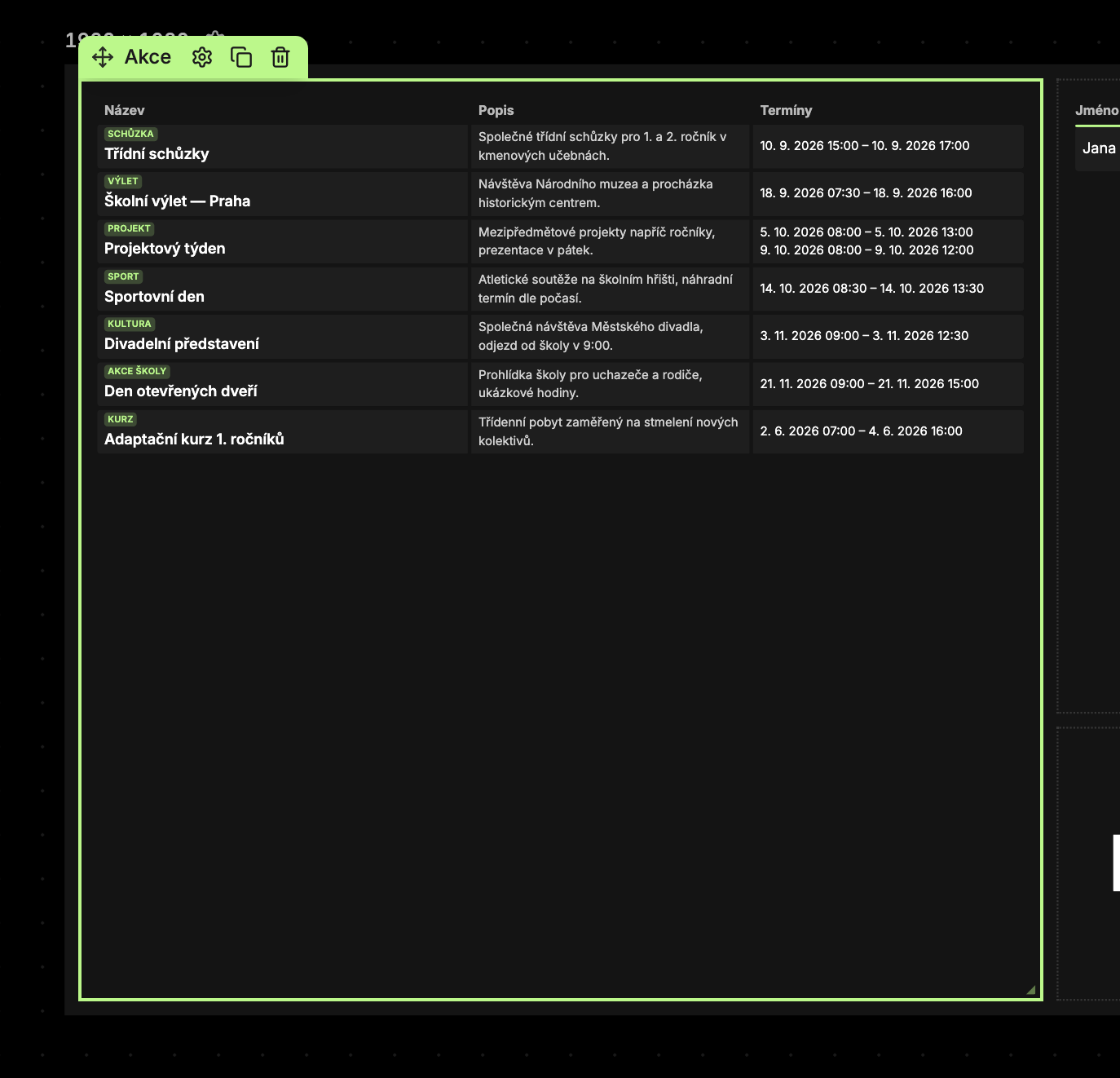
| Show event type | Above the event title is a label with the event type (e.g., Meetings, Trip, Project) in the primary color. | off |
| Hide past events | Hides events that have already ended. An event with multiple dates is hidden only after the last one. | off |
Layout (2)
| Field | What it does | Default |
|---|---|---|
| Columns | Automatic (two columns from 1100 px content width), Always 1, Always 2. | Automatic |
| Row height (px) | 30–100 px. | 50 |
Pagination (3)
| Field | What it does | Default |
|---|---|---|
| Rotation (s) | How long one page stays, 3–120 seconds. | 15 |
| Indicator | Bar or Clock. | Bar |
Design Tab
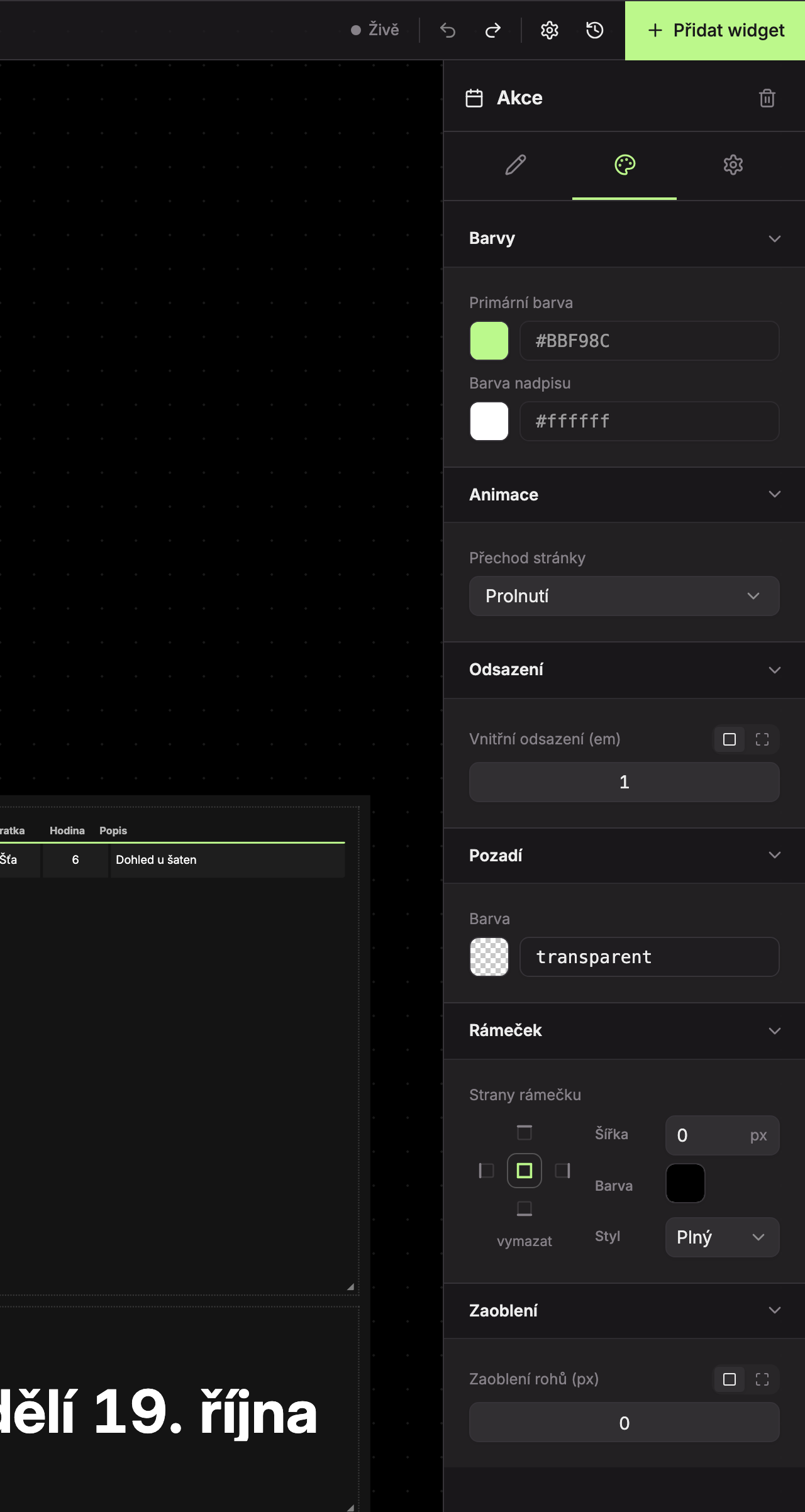
- Colors (1) – Primary color (event type label, page indicator) and Title color.
- Animations (2) – Page transition, default is Fade.
- Padding (3), Background (4), Border (5), Rounding (6) – see common appearance settings.
Messages
| Message | When |
|---|---|
| No events | The school has no events, or all are past and hidden. |
| Widget is too small — please enlarge it. | The widget is narrower than 280 px or shorter than 100 px. |
Updated